
If your wrist feels strained after long hours at a computer, your pointing device is often part of the story. Small, repetitive movements build up over time, especially when your hand and forearm stay in one position for most of the day.
Many people look to either an ergonomic mouse or a trackball as a solution. Both can reduce strain, but they change movement in different ways.
This guide explains how each device affects your wrist, what trade-offs to expect, and how to decide based on your own setup and comfort signals.
Why your pointing device matters
Using a standard mouse often involves repeated side-to-side wrist movement and subtle gripping tension. Over time, this can contribute to discomfort, especially if your desk or chair setup is not well adjusted.
A different device will not fix poor workstation setup on its own. But it can reduce movement patterns that may be aggravating your wrist.
Before switching, it helps to identify what kind of strain you are trying to reduce: forearm twist, repeated wrist travel, grip tension, or all three.
What an ergonomic mouse changes
An ergonomic mouse usually changes hand angle more than movement location.
Vertical and contoured designs rotate your hand toward a more neutral position. This can reduce forearm pronation, which is the inward twist created when your palm faces down on a flat mouse.
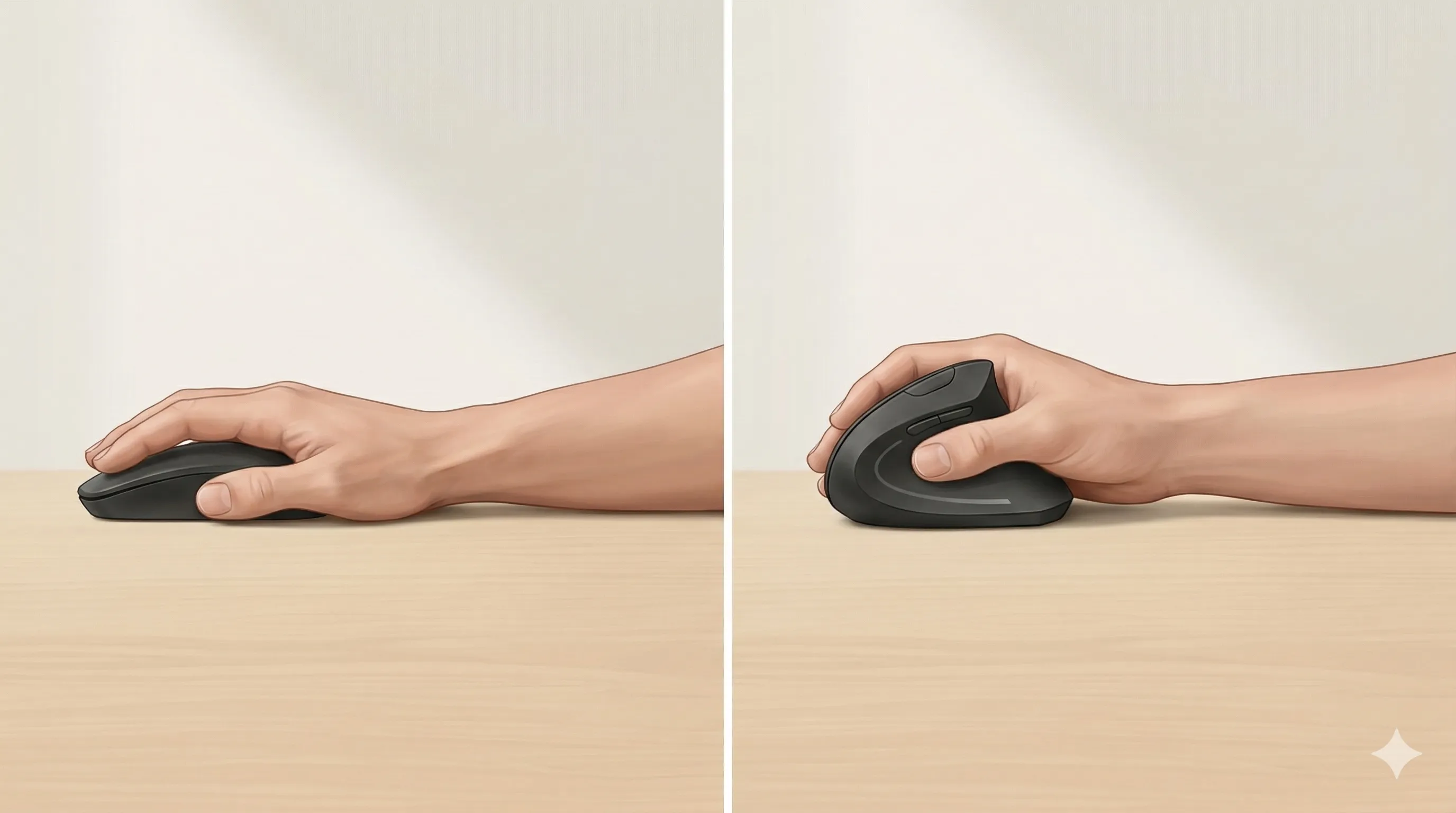
The trade-off is that the cursor still moves mainly through wrist and arm travel across the desk.
An ergonomic mouse may help more when:
- Your discomfort is linked to palm-down forearm rotation
- Your forearm feels tense after long mousing sessions
- You prefer traditional mouse-like pointer control
It may help less when:
- The main issue is repeated side-to-side wrist travel
- You have limited desk space for arm movement
- You tend to grip any mouse tightly during focused tasks
What a trackball changes
A trackball reduces most large arm movement across the desk. The device stays still while you move the pointer by rotating a ball with your thumb or fingers.
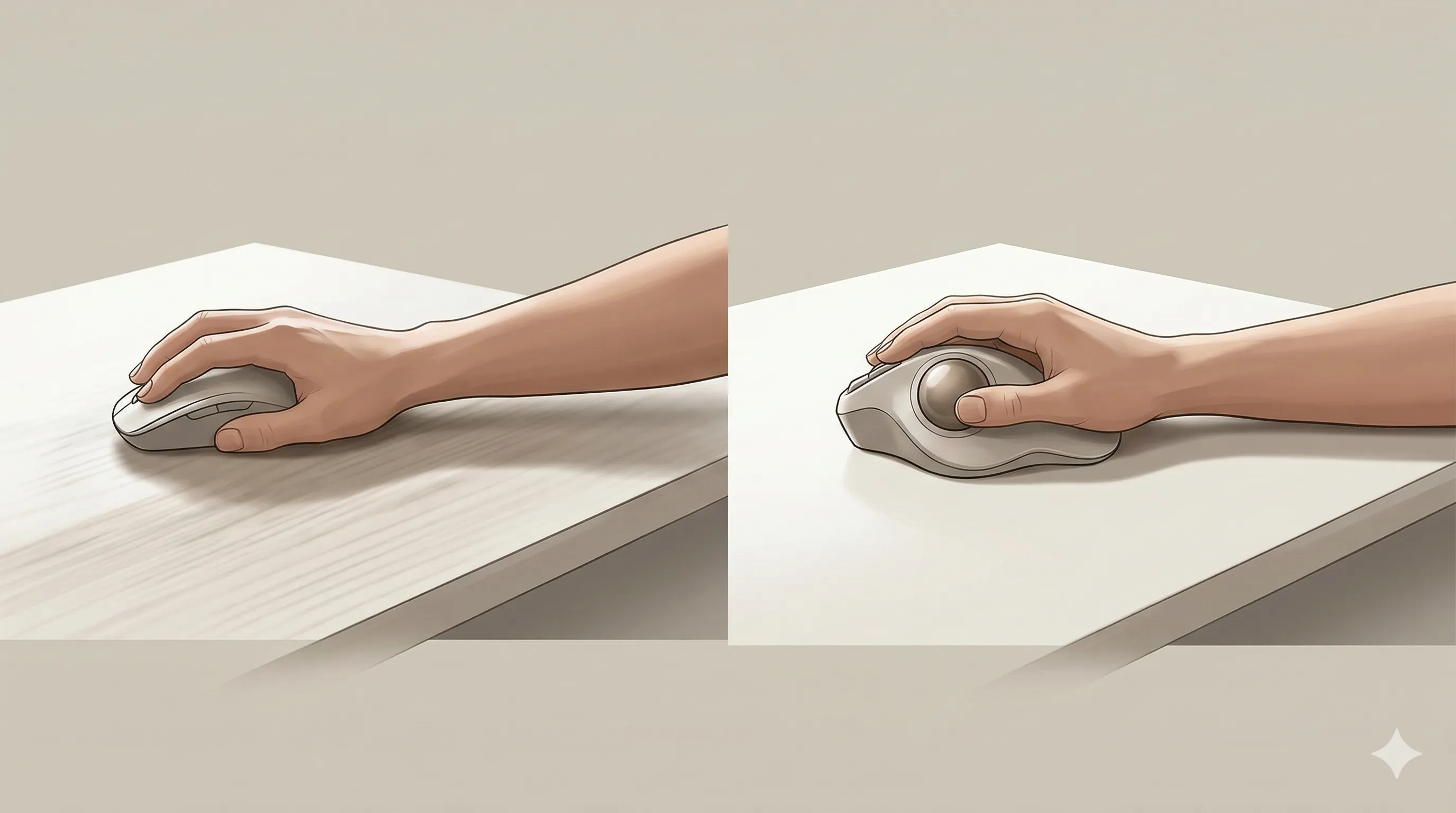
Because the hand stays in place, some people notice less shoulder and wrist travel strain. But effort becomes more finger-driven, which can create a different kind of fatigue.
If you are prone to thumb discomfort, a thumb-operated trackball may irritate that area. In that case, a finger-operated trackball can be worth considering.
Example device options by type
If you want to explore common examples in each category, here are a few options often used for these setups.
Vertical mouse examples
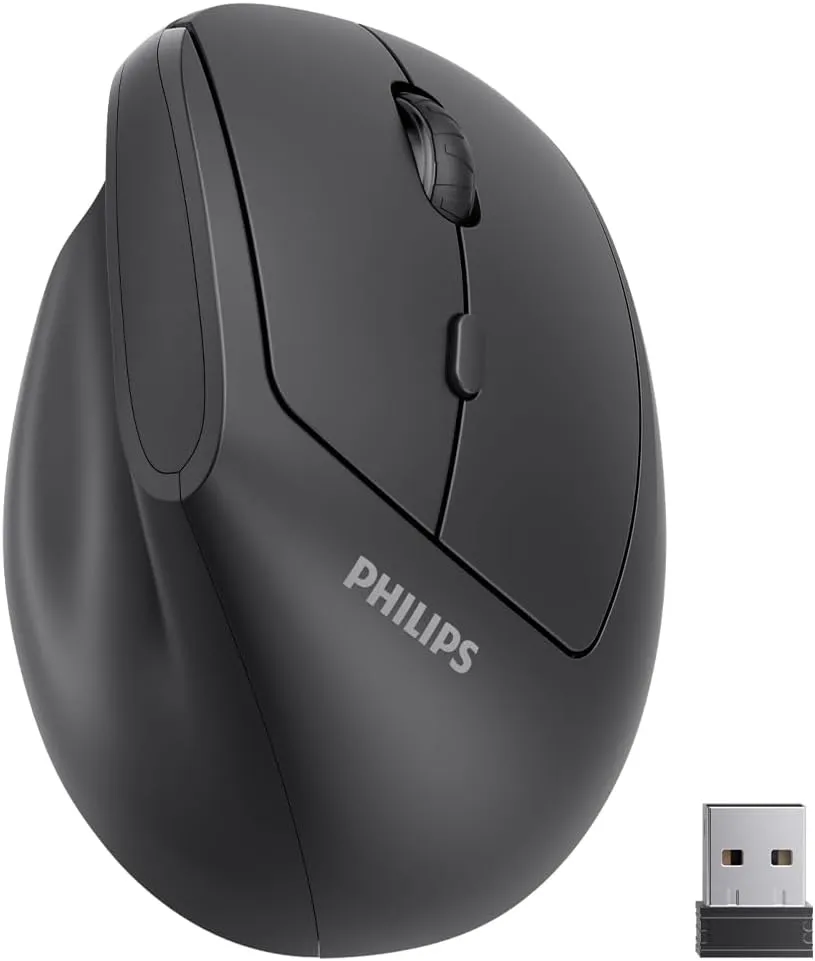
Philips Ergonomic Vertical Mouse
A vertical mouse option for people who want to try a more upright hand position without moving to a trackball.
 Available at Amazon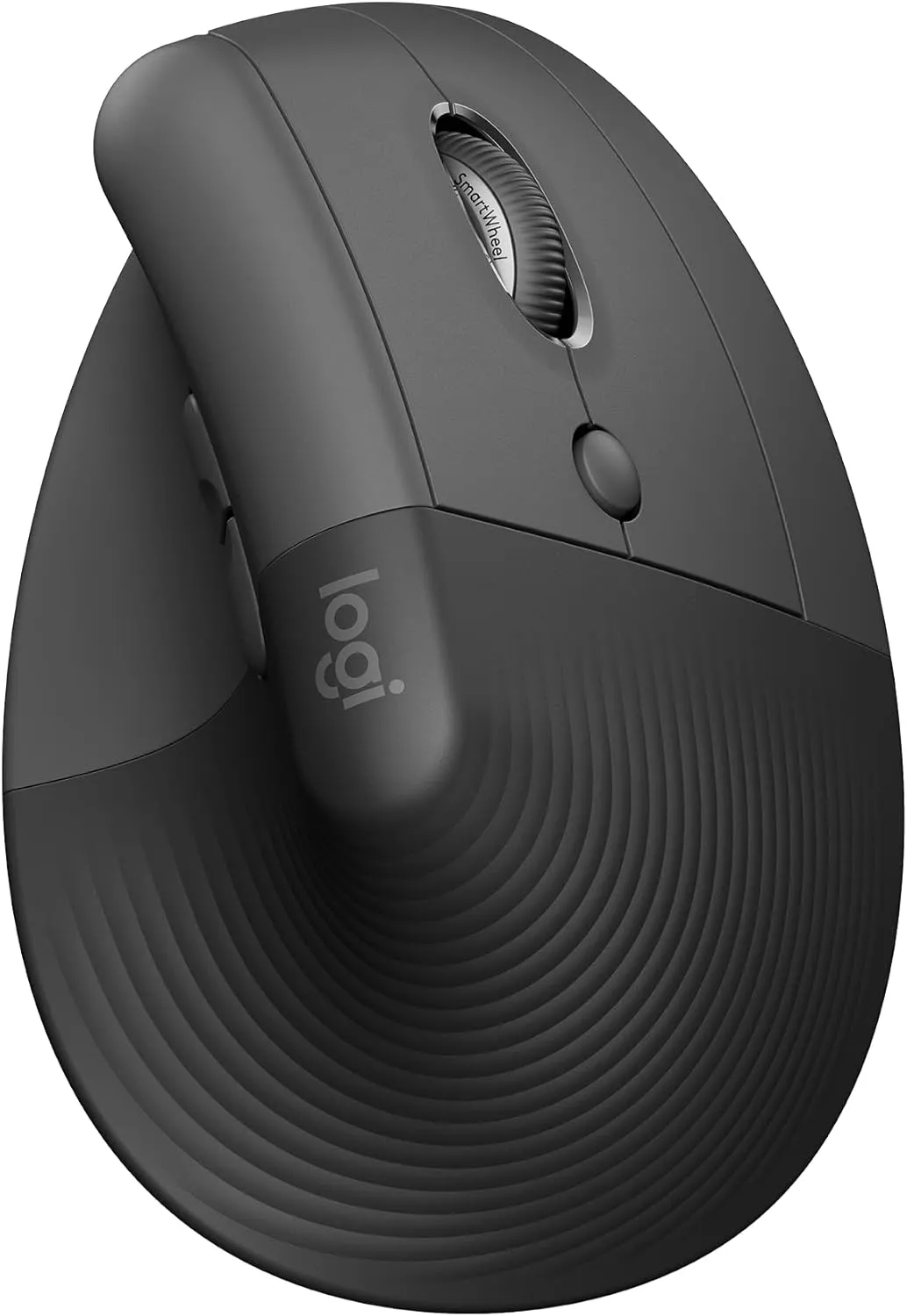
Logitech Lift Vertical Mouse
A compact vertical mouse with a more sculpted ergonomic shape, often suited to everyday office use.
Available at Amazon Trackball examples
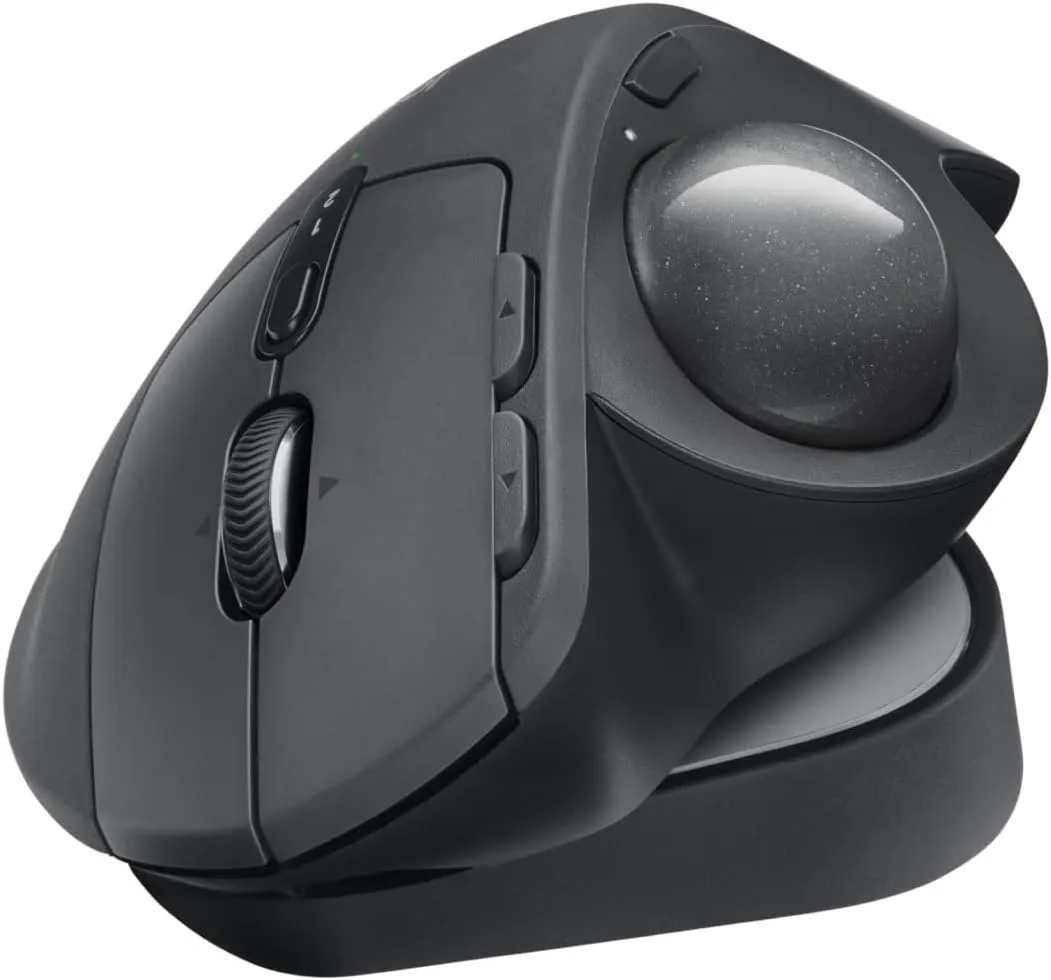
Logitech MX Ergo S Advanced
A thumb-operated trackball that reduces full-arm mouse movement while still feeling familiar to many mouse users.
Available at Amazon 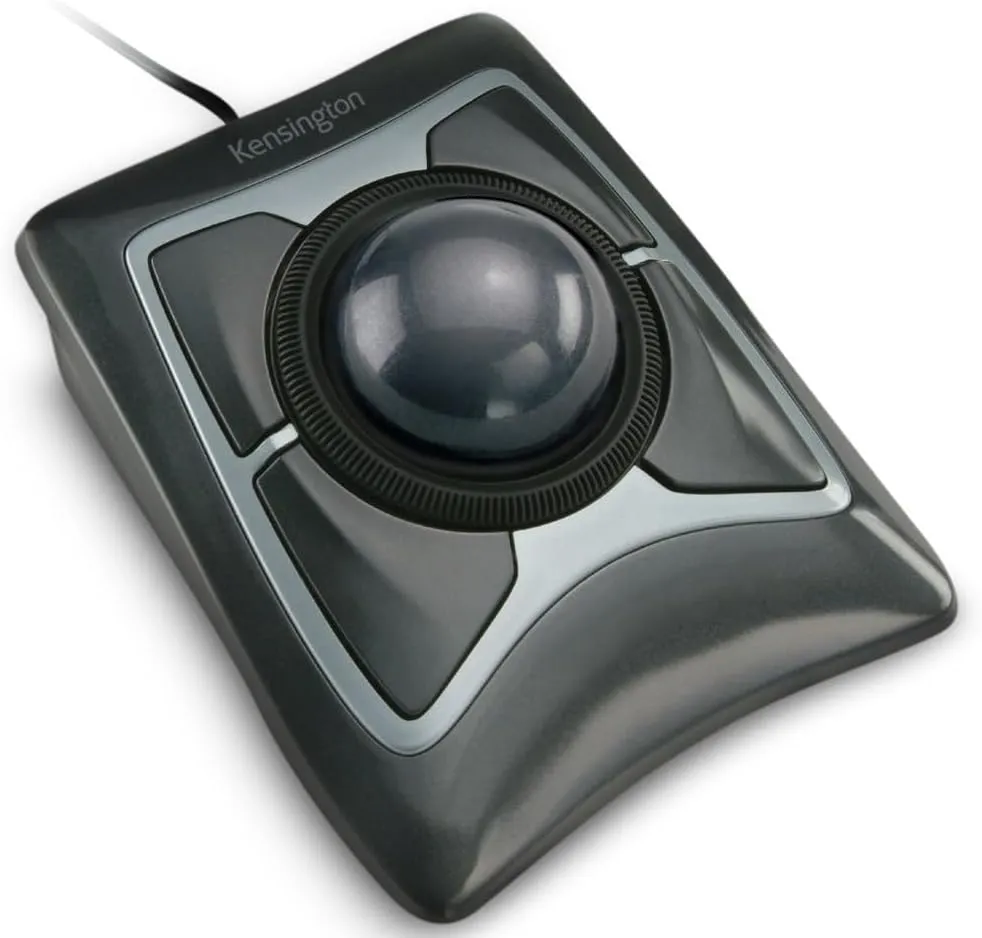
Kensington Expert Trackball
A finger-operated trackball with a larger ball design that suits users who prefer cursor control without moving the whole device.
Available at Amazon Common mistakes when switching devices
One common mistake is expecting a new device to fix discomfort immediately. Most people need an adjustment period before movement feels natural again.
Another mistake is changing the device without changing placement. If the keyboard is too far away or the pointing device sits too far to the side, strain can persist regardless of what you buy.
A third mistake is setting pointer sensitivity too high. That often creates jerky, repetitive micro-corrections that can replace one strain pattern with another.
How this fits into your overall setup
Your pointing device works as part of a larger workstation system.
If chair height is too low, forearms may angle upward and increase wrist tension. If desk height is too high, shoulder tension can remain even with a better mouse or trackball.
Before deciding that a device does or does not work for you, it helps to review:
- How to Position Keyboard and Mouse for Comfortable Sitting
- How to Set Chair Height for Comfortable Sitting
- How to Set Up Desk Height for Comfortable Sitting
- How to Set Standing Desk Height for Comfortable Standing
For broader context, see:
- Upper-Body Ergonomics Explained: Shoulders, Arms, Wrists, and Hands
- Sitting Ergonomics 101: What “Comfortable Sitting” Actually Means
- Desk Ergonomics Explained: How Desk, Chair, and Monitor Work Together
Final thoughts
Neither device is universally better for wrist pain. An ergonomic mouse can reduce forearm twist, while a trackball can reduce large wrist and arm travel. The better option depends on which movement pattern is currently bothering you most.
The most reliable way to choose is to test one change at a time and assess comfort over several work sessions. Device choice works best when chair height, desk height, and keyboard placement are already in a good range.