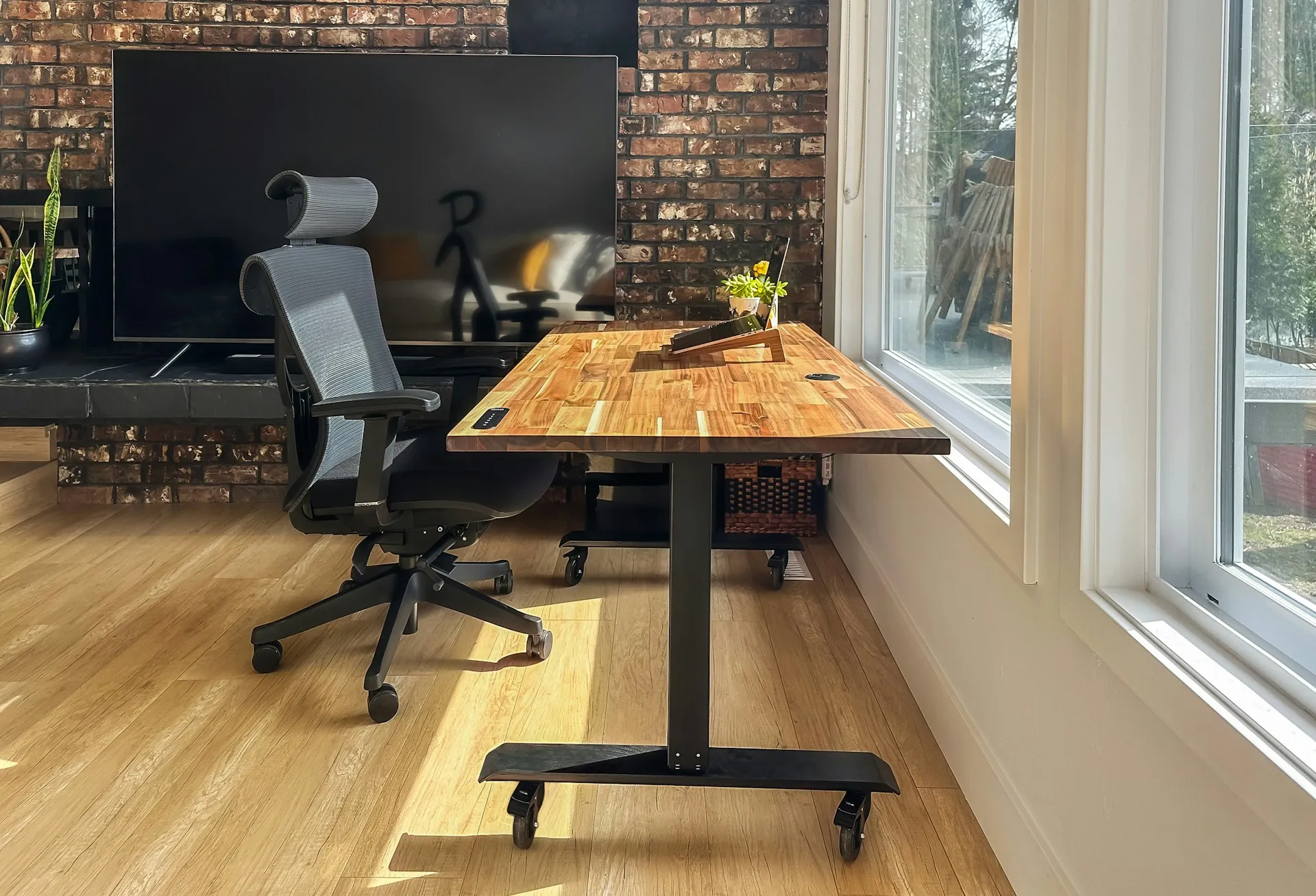
When something feels off at a desk, it is common to fix the most obvious thing first. People raise a monitor, buy a new chair, add a cushion, or move their keyboard around. Sometimes the change helps briefly, but discomfort often returns—or it simply moves somewhere else.
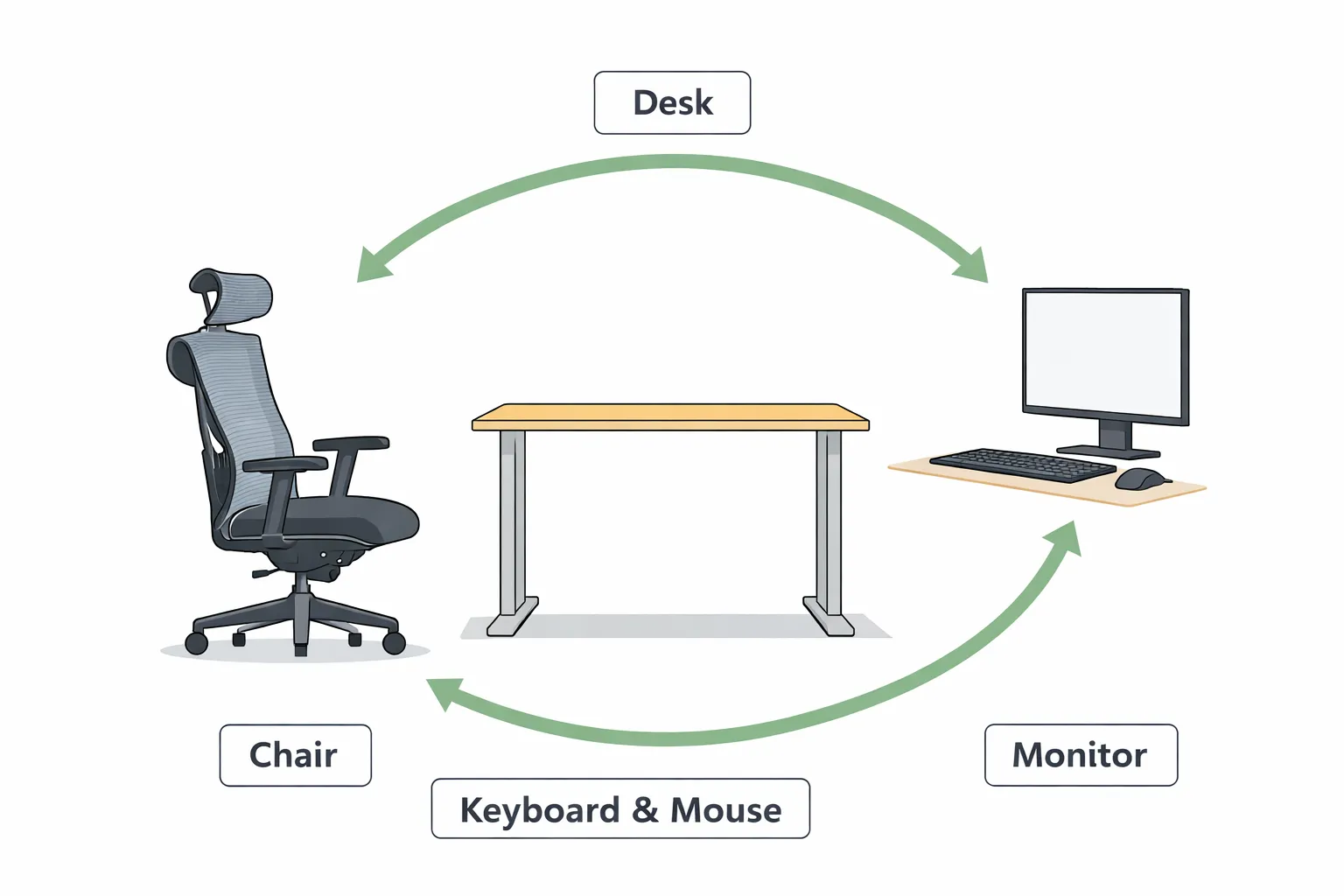
That happens because desk ergonomics is not one setting. It is a system. Desk height, chair height, monitor position, and keyboard and mouse placement all influence each other. When one piece is out of place, your body compensates automatically, and that compensation can create strain in the neck, shoulders, arms, wrists, or lower back.
This overview explains how the main workstation elements work together so you can make changes that improve comfort without creating new problems elsewhere.
Desk ergonomics is a system, not a single adjustment
A desk setup feels comfortable when:
- Your body is supported instead of held up by muscle effort
- Your joints stay within neutral, relaxed ranges
- Your eyes and hands can reach their targets without leaning or shrugging
These outcomes depend on how four elements work together:
- Chair height and support
- Desk height relative to your seated position
- Keyboard and mouse placement
- Monitor height and distance
If you change one element without considering the others, you often trade one problem for another.
Why the chair influences everything else
Your chair is the foundation of a seated workstation because it determines where your body sits in space.
Chair height affects:
- Where your hips and knees settle
- How much weight your feet can take
- Where your elbows naturally rest relative to the desk
If chair height is off, you may:
- Slide forward or perch on the edge
- Tuck your feet back or stretch them forward
- Raise your shoulders to reach the desk surface
- Lean your head forward to see the screen comfortably
A chair that supports you well makes every other adjustment easier.
How desk height drives shoulder and arm effort
Desk height is not just about comfort at the forearms. It heavily influences shoulder tension.
When the desk is too high, people often:
- Raise their shoulders
- Bend wrists upward to reach keys
- Lose arm support and “hover” while typing
When the desk is too low, people often:
- Hunch forward
- Round the upper back
- Drop the head toward the screen
- Put pressure into wrists and forearms in awkward angles
Desk height works best when your shoulders can stay relaxed and your arms can work without constant effort.
Keyboard and mouse placement: where strain often starts
Even with a good chair and desk height, the keyboard and mouse can create strain if they are positioned poorly.
Common patterns:
- Keyboard too far forward → reaching and shoulder fatigue
- Mouse too far from the keyboard → arm abducted outward for long periods
- Mouse too high or too low relative to keyboard → uneven shoulder tension
- Devices too far to one side → twisting or leaning
These issues often show up as:
- Tight shoulders
- Forearm fatigue
- Wrist discomfort
- One-sided neck tension
The goal is not a perfect arrangement. It is an arrangement that allows your arms and wrists to stay in neutral, relaxed ranges most of the time.
Monitor position: the setup “multiplier”
Monitor setup multiplies whatever the rest of your posture is doing.
If your monitor is too low or too far away, people often:
- Lean forward
- Push the head out toward the screen
- Round the upper back over time
If your monitor is too high, people often:
- Tilt the chin upward
- Compress the neck
- Create tension at the base of the skull
Monitor height and distance should support neutral neck posture and reduce the need to lean forward.
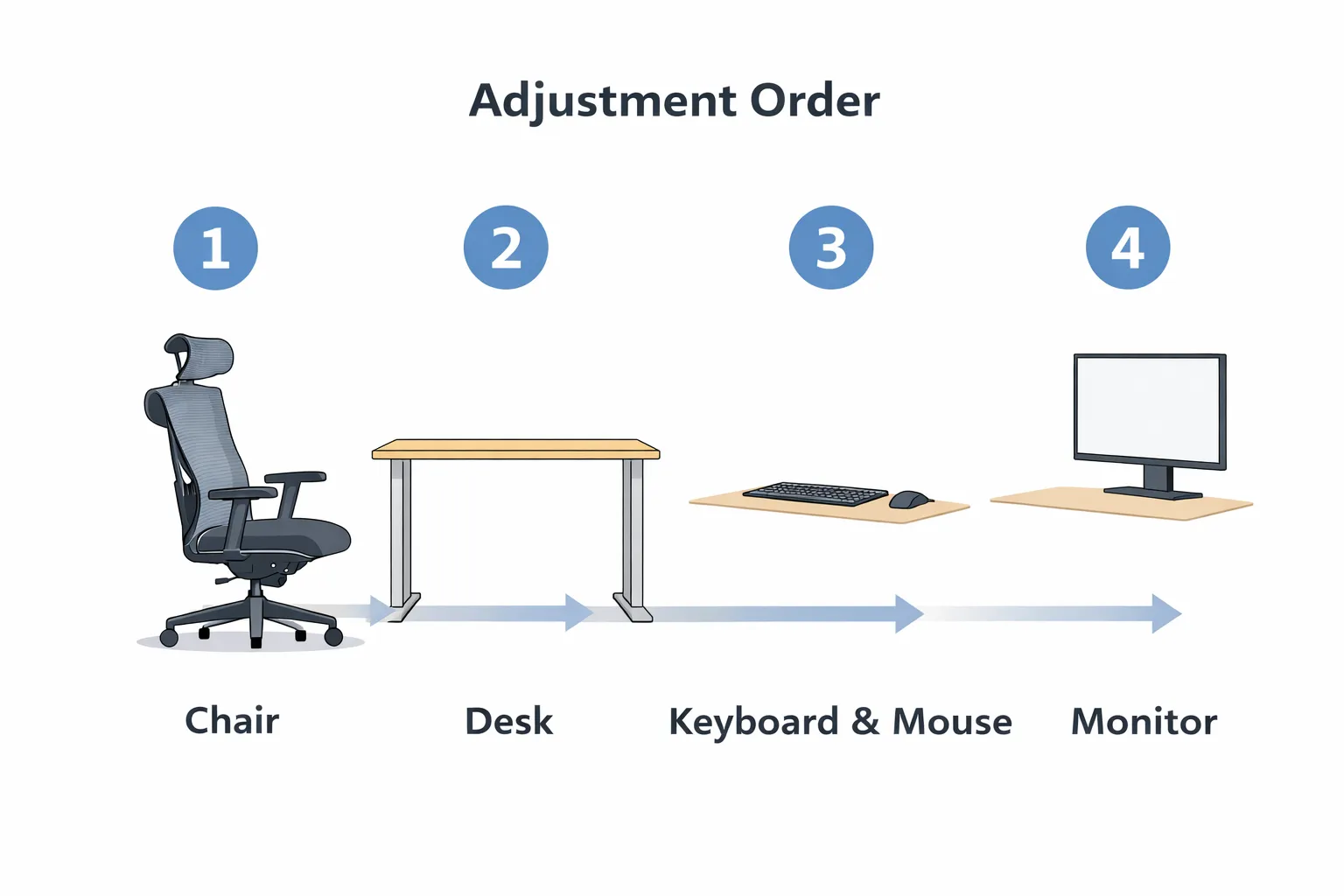
Adjustment order matters
When people change multiple things at once, it becomes hard to tell what helped and what made things worse. A simple order keeps adjustments logical.
A practical sequence is:
- Set the chair so your lower body feels stable and supported
- Adjust desk height relative to where your elbows naturally rest
- Position keyboard and mouse so your arms can relax
- Set monitor height and distance to support a neutral neck
This order prevents you from “fixing the screen” while your chair is still forcing you into a poor position.
Quick diagnostics: what a problem often points to
You do not need to diagnose perfectly. But these patterns can help you choose the next change without guessing.
- If your shoulders feel raised or tense, desk height and input placement are common causes.
- If your wrists feel bent upward while typing, the desk may be too high or the keyboard too far forward.
- If your neck and upper back feel tired, monitor height and distance may be encouraging forward head posture.
- If your lower back feels unsupported, chair height and back support are often the first place to look.
If one fix helps briefly and the discomfort returns, it often means another part of the system is still forcing compensation.
What to do next
This overview is meant to give you the map. The next step is adjusting the specific part of your workstation that is most likely driving strain.
Use the Guides below to apply these principles: