
Guide Updated often
Do Footrests Actually Help? (And Which Type to Choose)
Do footrests actually improve comfort at your desk? Learn when they help, when they don't, and how to choose the right type for your setup.
Practical, step-by-step guides that show you how to adjust your workspace properly. Each guide focuses on real setups, common constraints, and changes you can actually maintain day to day.
Do footrests actually improve comfort at your desk? Learn when they help, when they don't, and how to choose the right type for your setup.
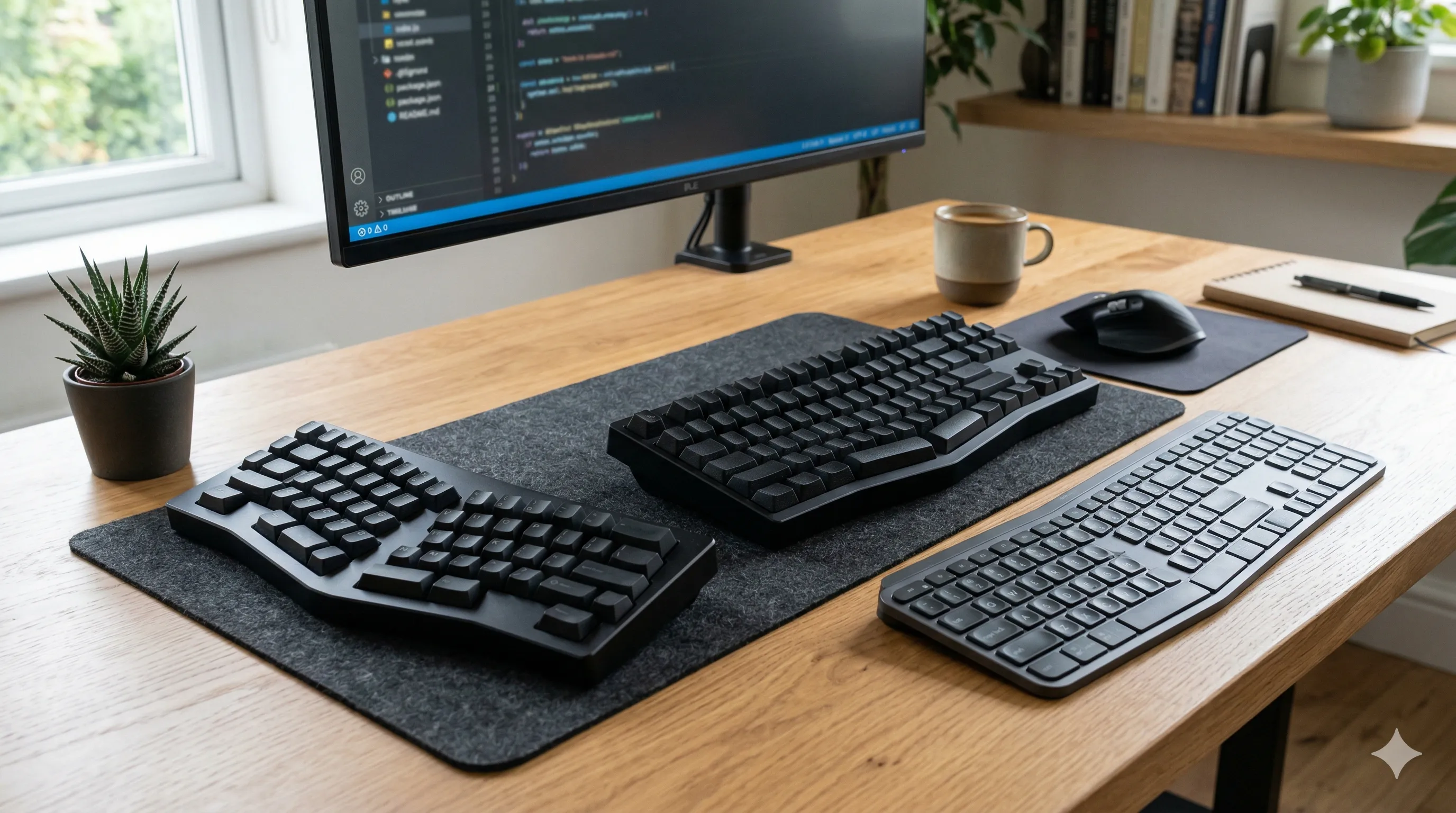
Compare split, compact, and low-profile ergonomic keyboards using practical body cues so you can reduce wrist, shoulder, and upper-body strain.

Compare ergonomic mice and trackballs for wrist discomfort, including movement patterns, trade-offs, and setup factors that affect comfort.

Learn how to set standing desk height correctly using simple body cues so your shoulders stay relaxed and your wrists stay neutral.
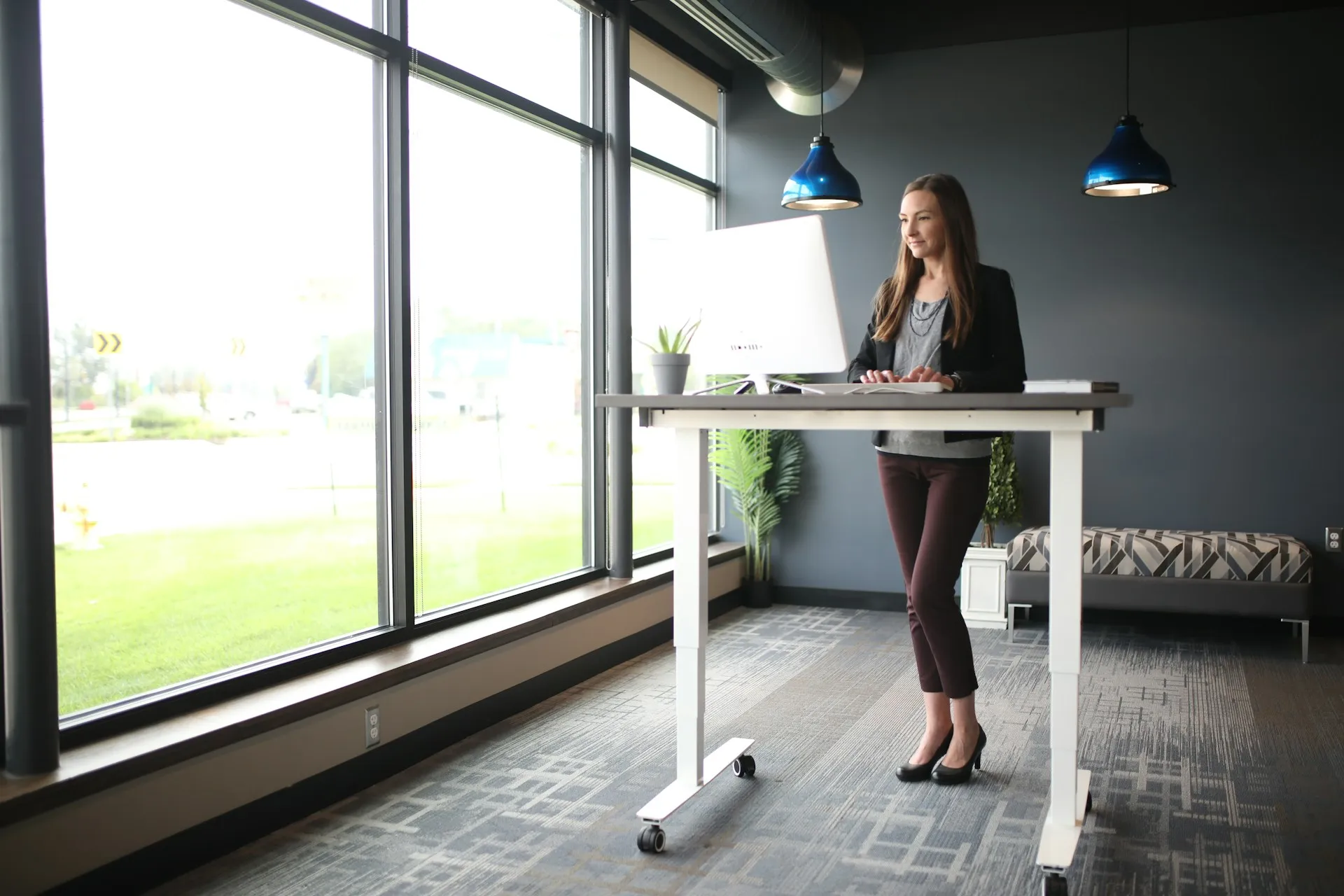
Compare adjustable standing desks and desk converters to choose the right standing setup for your space and budget.
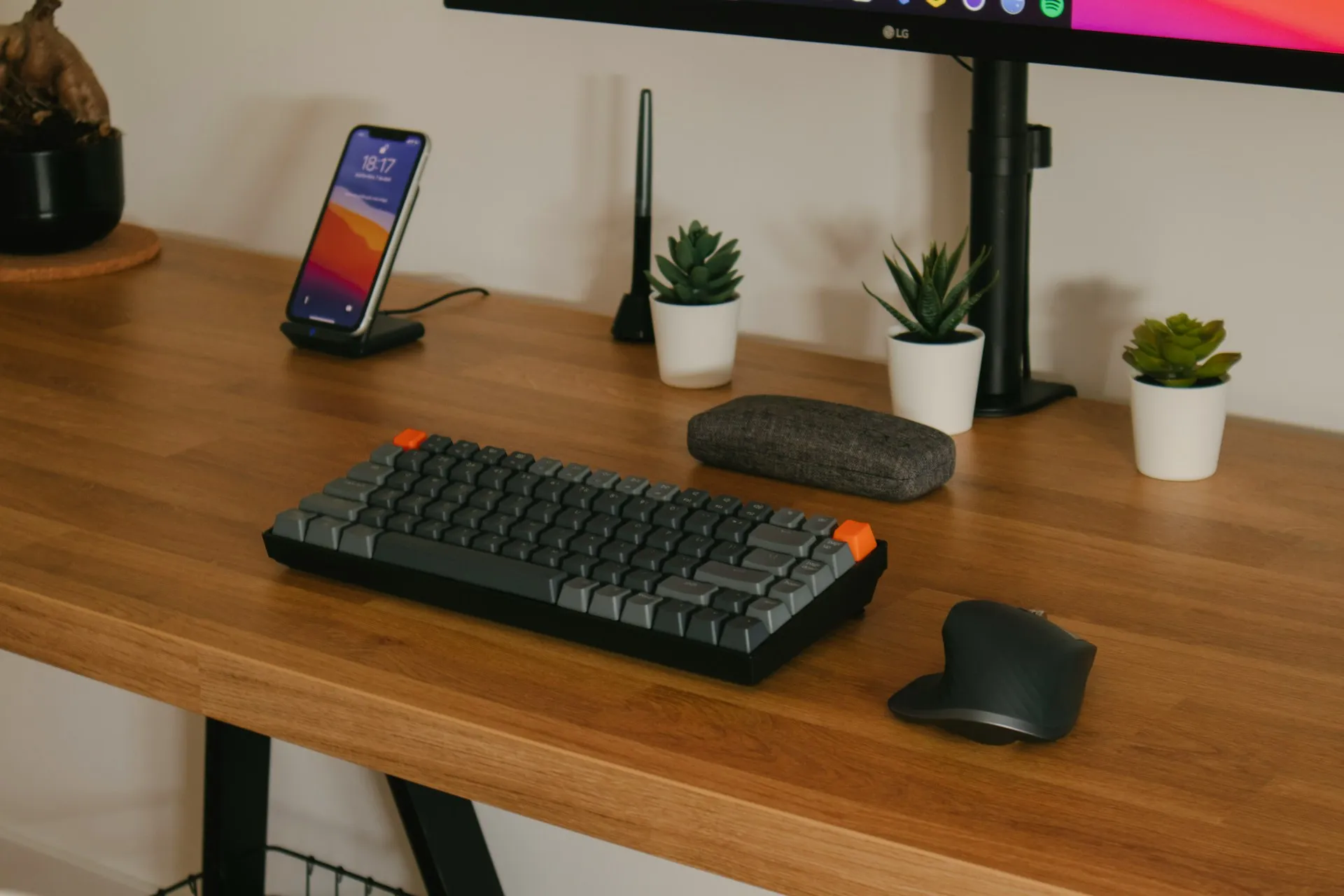
Place keyboard and mouse using simple body cues so your arms stay supported and your shoulders and wrists stay relaxed.

Set monitor height using simple visual cues so your neck stays neutral and your gaze stays slightly downward.

Set chair height using simple body cues so feet, knees, hips, and lower back stay supported during long sitting sessions.

Set desk height using elbow alignment and simple chair-first adjustments to reduce shoulder, arm, and wrist strain.
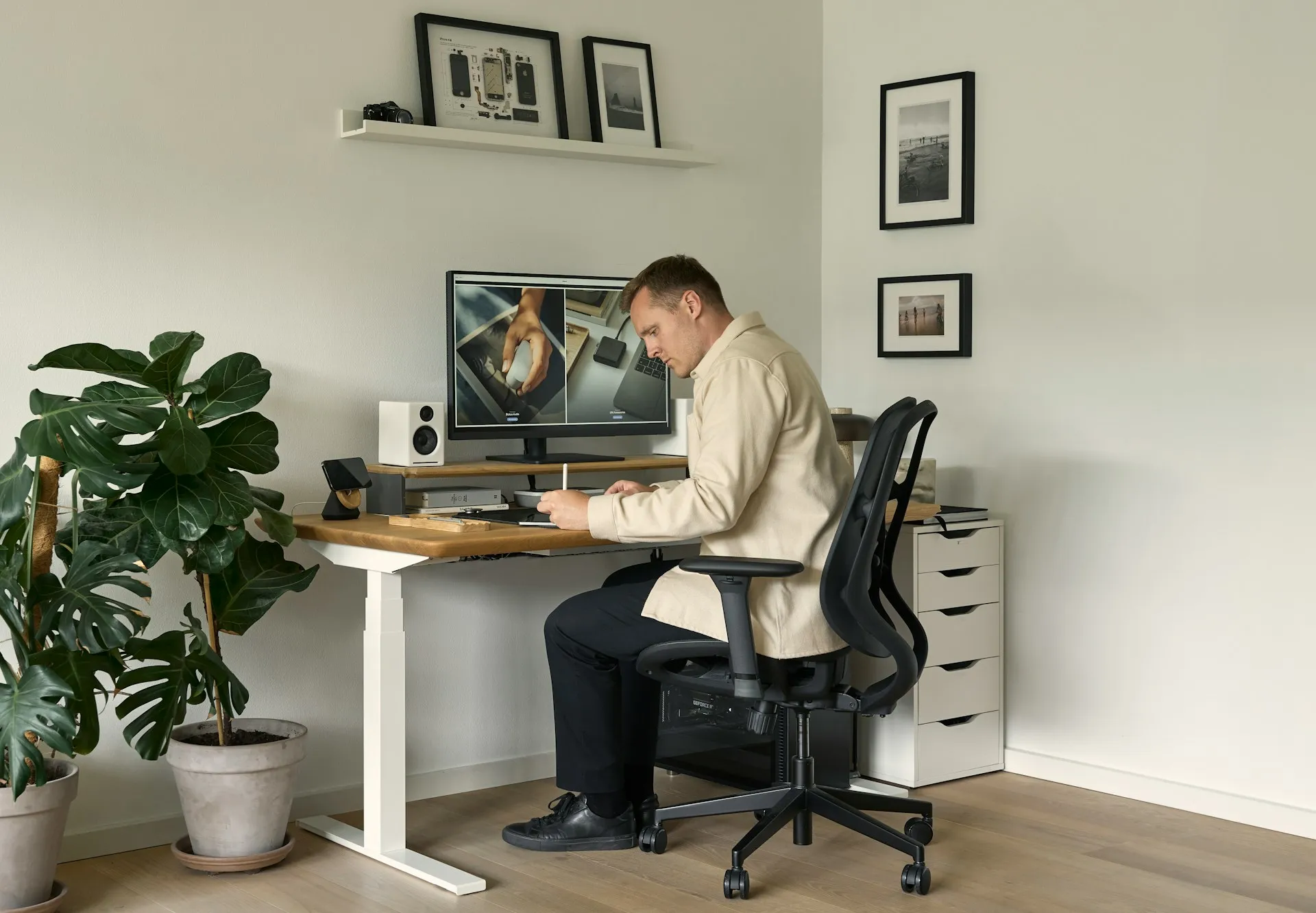
A practical guide to choosing an ergonomic office chair for long workdays, focusing on adjustability, lumbar support, and real-world comfort.
Ergonomics works best when small improvements become part of your routine. Instead of chasing a perfect setup, focus on a few consistent adjustments that reduce strain over time.