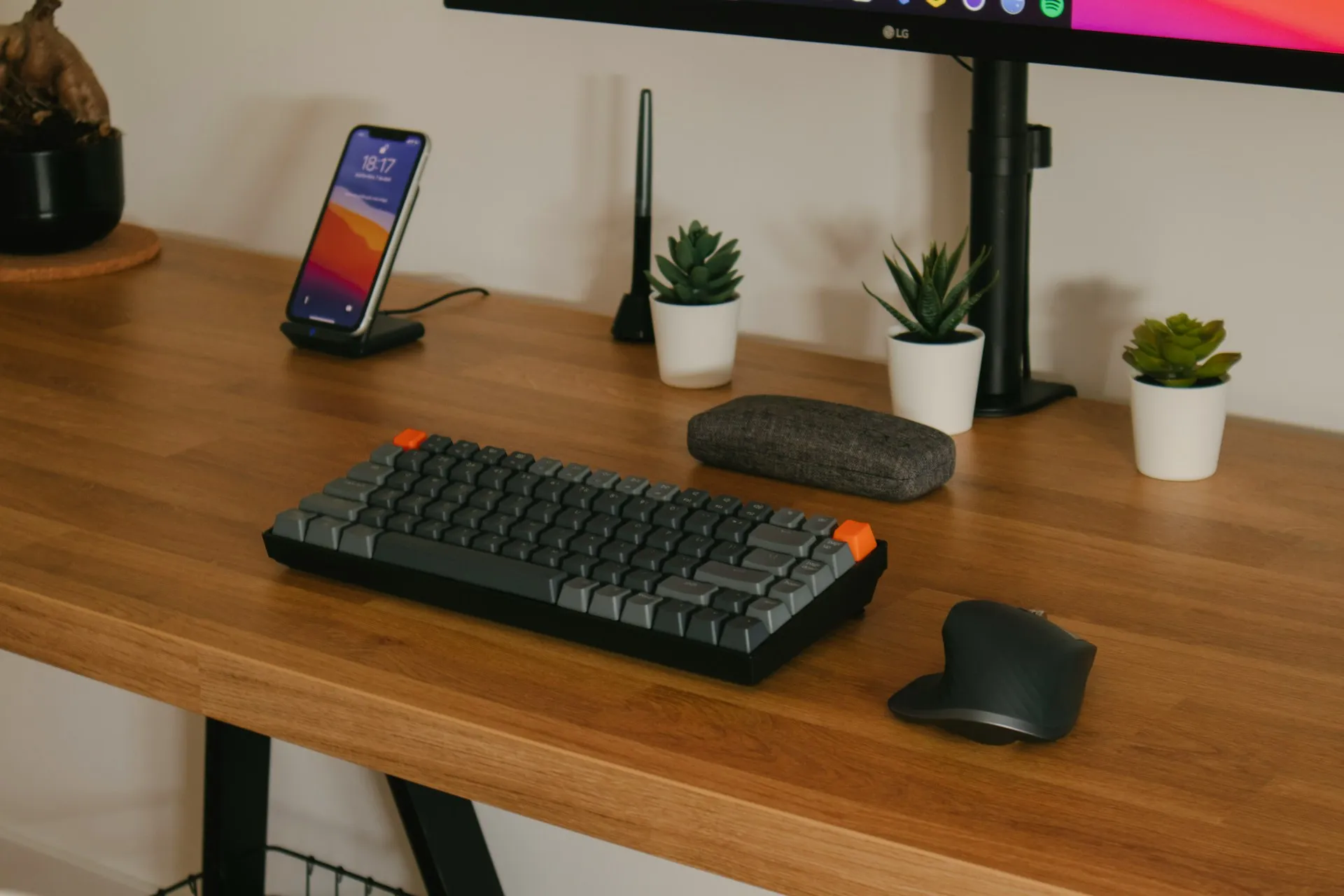
Keyboard and mouse position play a major role in how your arms, shoulders, and wrists feel during desk work. Even when chair height, desk height, and monitor height are set well, poor keyboard or mouse placement can introduce unnecessary tension and fatigue.
This guide explains how to position your keyboard and mouse for comfortable sitting using simple, body-based cues. It focuses on reducing strain during long periods of use and shows how small adjustments can make desk work feel noticeably easier.
Why keyboard and mouse position matter
Your keyboard and mouse are the tools you interact with most at a desk. Because they are used continuously, small positioning issues tend to compound over time.
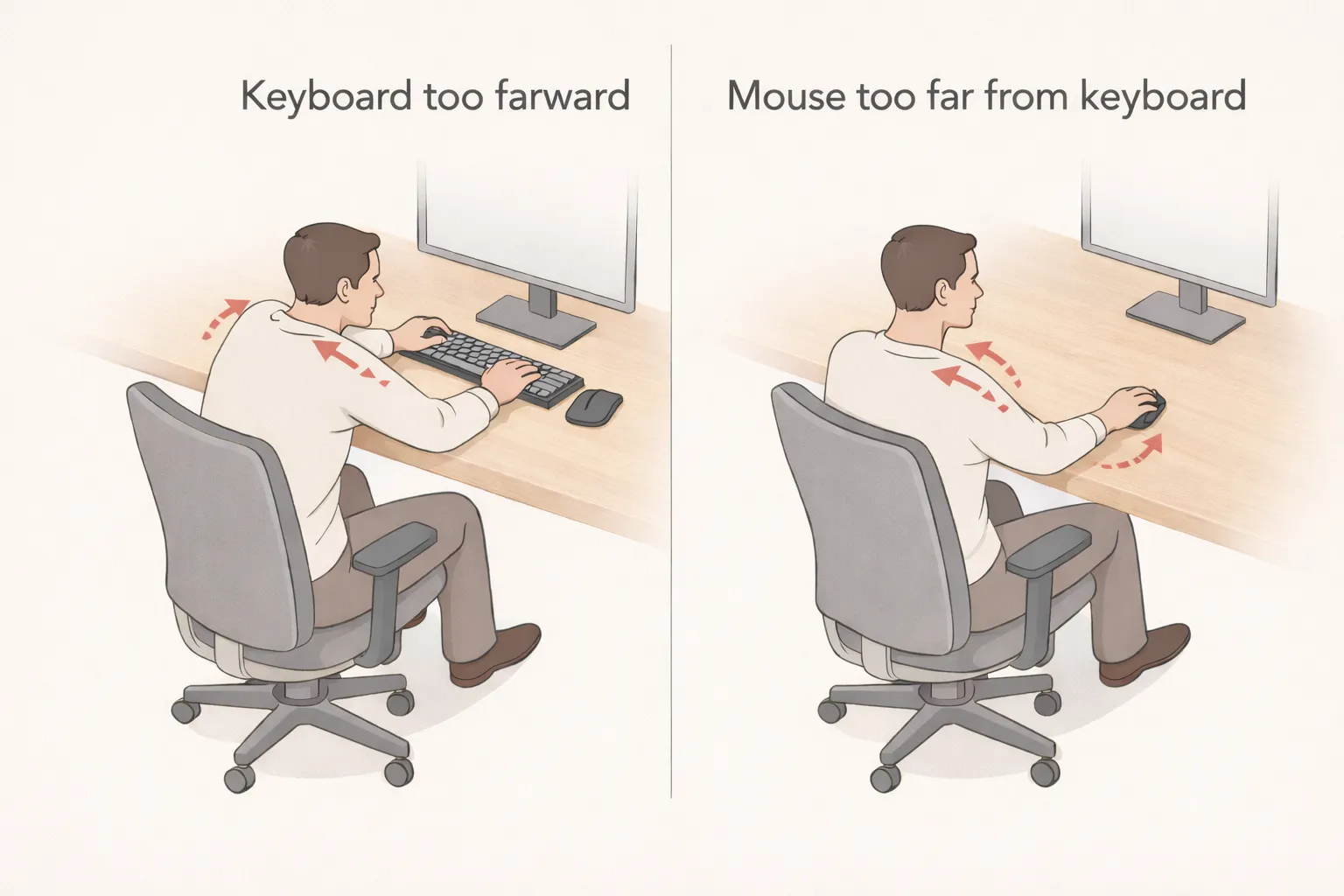
If the keyboard is too far away, you may reach forward, increasing strain on the shoulders and upper back. If the mouse is positioned too far to the side, one shoulder often becomes tense or elevated. Poor wrist angles can also develop when the hands are forced into awkward positions.
Comfortable keyboard and mouse placement allows your arms to remain supported and your shoulders to stay relaxed, reducing fatigue during longer sessions.
What “correct keyboard and mouse position” actually means
There is no single keyboard or mouse position that works for everyone. Arm length, desk depth, and working habits all influence what feels comfortable. Rather than focusing on exact distances or angles, it’s more useful to pay attention to how your arms and shoulders feel during use.
A comfortable setup generally supports:
- Forearms resting comfortably, not hovering
- Shoulders relaxed, not lifted or pulled forward
- Wrists that stay mostly straight during typing and mouse use
When these conditions are met, your upper body can remain more relaxed throughout the day.
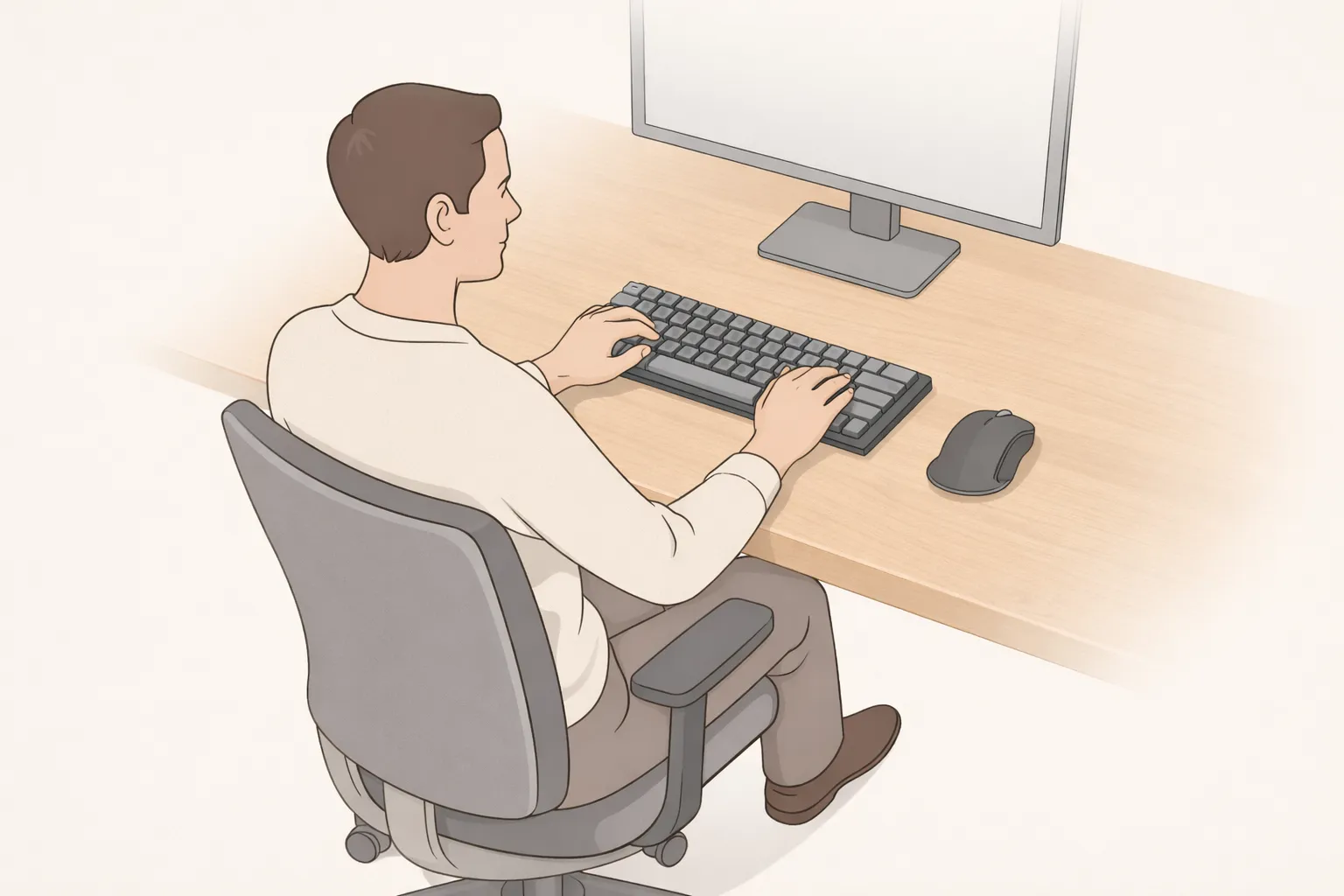
How to set keyboard and mouse position step by step
Start from your seated position
Sit comfortably in your chair with your back supported and your shoulders relaxed. Avoid adjusting your posture to reach the keyboard or mouse.
Position the keyboard close to your body
Place the keyboard so you can type with your elbows roughly by your sides. You should not need to reach forward or lift your shoulders to use it.
In some setups, desk height or desk depth can make it harder to maintain neutral wrist posture. In those cases, a low-profile keyboard can help reduce upward wrist bending without changing your overall desk setup. One example is the Arteck 2.4G Wireless Keyboard.
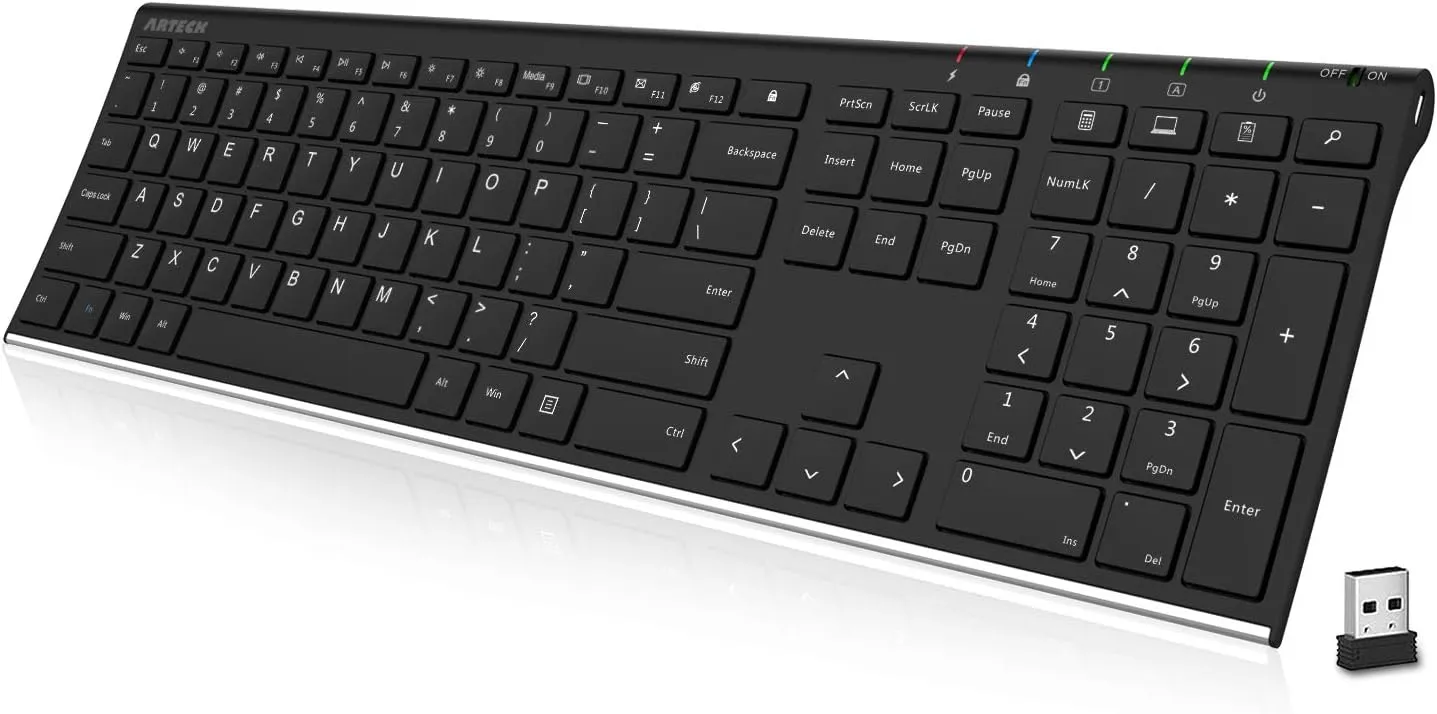
Arteck 2.4G Wireless Keyboard
A slim, low-profile keyboard that can help reduce wrist extension when a thicker board feels less comfortable.
 Available at Amazon
 Place the mouse close to the keyboard
The mouse should sit close enough that you can use it without extending your arm outward. Keeping the mouse near the keyboard helps reduce asymmetrical shoulder strain.
If your mouse frequently ends up far from the keyboard, an ergonomic mouse with a shape that supports a relaxed grip can sometimes reduce shoulder effort during use. One example is the Microsoft Bluetooth Ergonomic Mouse.
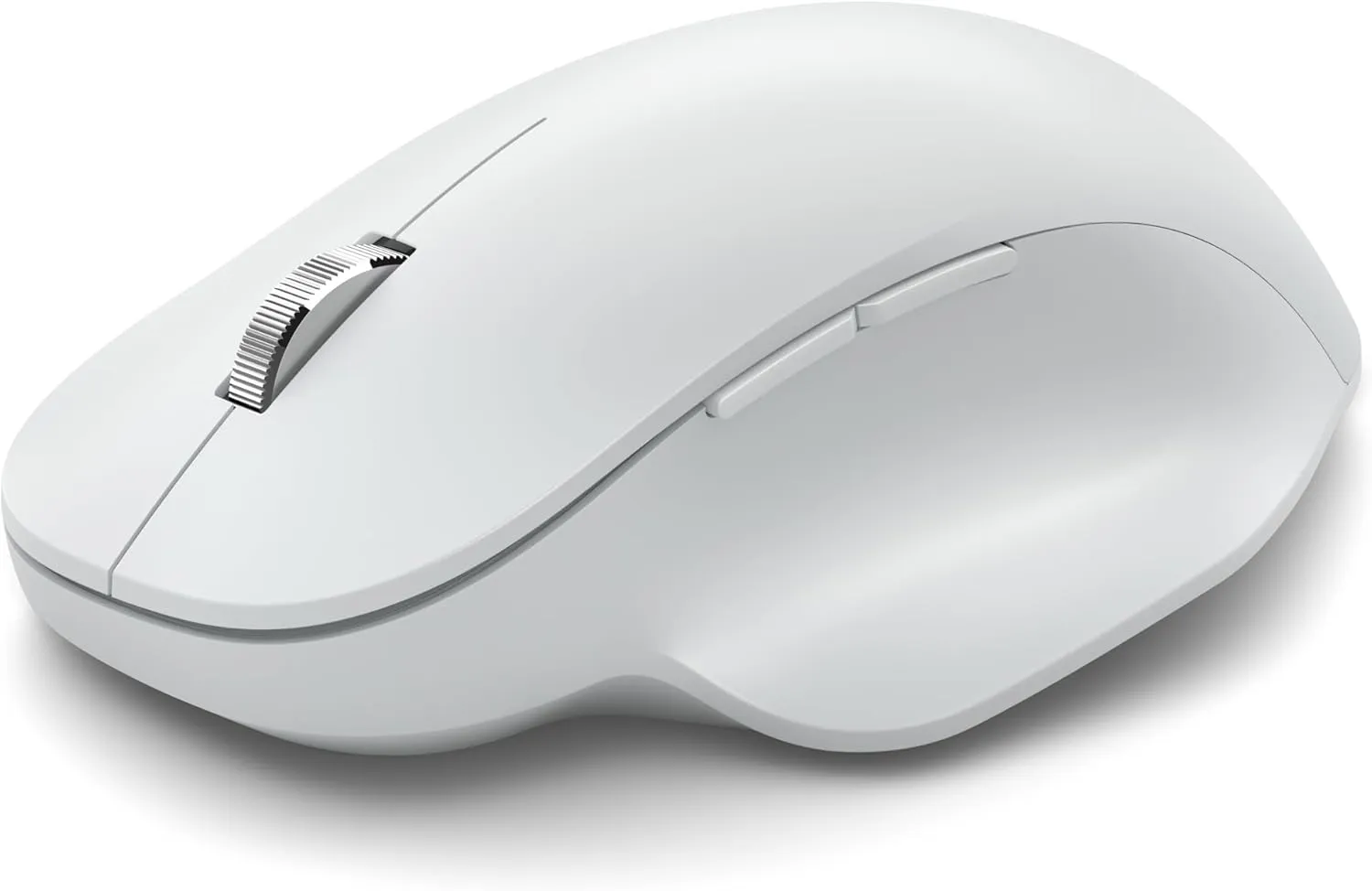
Microsoft Bluetooth Ergonomic Mouse
An ergonomic mouse with a contoured shape that supports a relaxed grip and may help reduce shoulder effort during use.
Available at Amazon Check wrist comfort
While typing or using the mouse, your wrists should remain mostly straight. If you notice sharp bending up, down, or to the side, adjust the height or distance of the input devices slightly.
After making adjustments, spend a few minutes working normally and reassess how your arms and shoulders feel.
Common keyboard and mouse positioning mistakes
One common mistake is placing the keyboard too far forward on the desk, which encourages reaching and shoulder tension. Another frequent issue is positioning the mouse far to the side, causing one shoulder to remain elevated or rotated for long periods.
Some people also compensate for poor positioning by bending their wrists or resting heavily on the desk edge. These compensations can feel manageable initially but often lead to discomfort over time.
How keyboard and mouse position fit into the rest of your setup
Keyboard and mouse position depend heavily on chair height, desk height, and monitor height. If your chair is too low or your desk too high, it becomes harder to keep your arms relaxed while typing.
Once the keyboard and mouse are positioned comfortably, the rest of the workstation tends to feel more balanced. Small changes here often reduce strain more effectively than changing equipment or accessories.
Final thoughts
Positioning your keyboard and mouse for comfortable sitting is about supporting relaxed movement rather than achieving a perfect setup. When your arms feel supported, your shoulders stay relaxed, and your wrists move naturally, long periods of desk work tend to feel less tiring.
Because work habits change throughout the day, it’s worth revisiting keyboard and mouse position occasionally. Small adjustments can help maintain comfort and reduce strain over time.