Guide
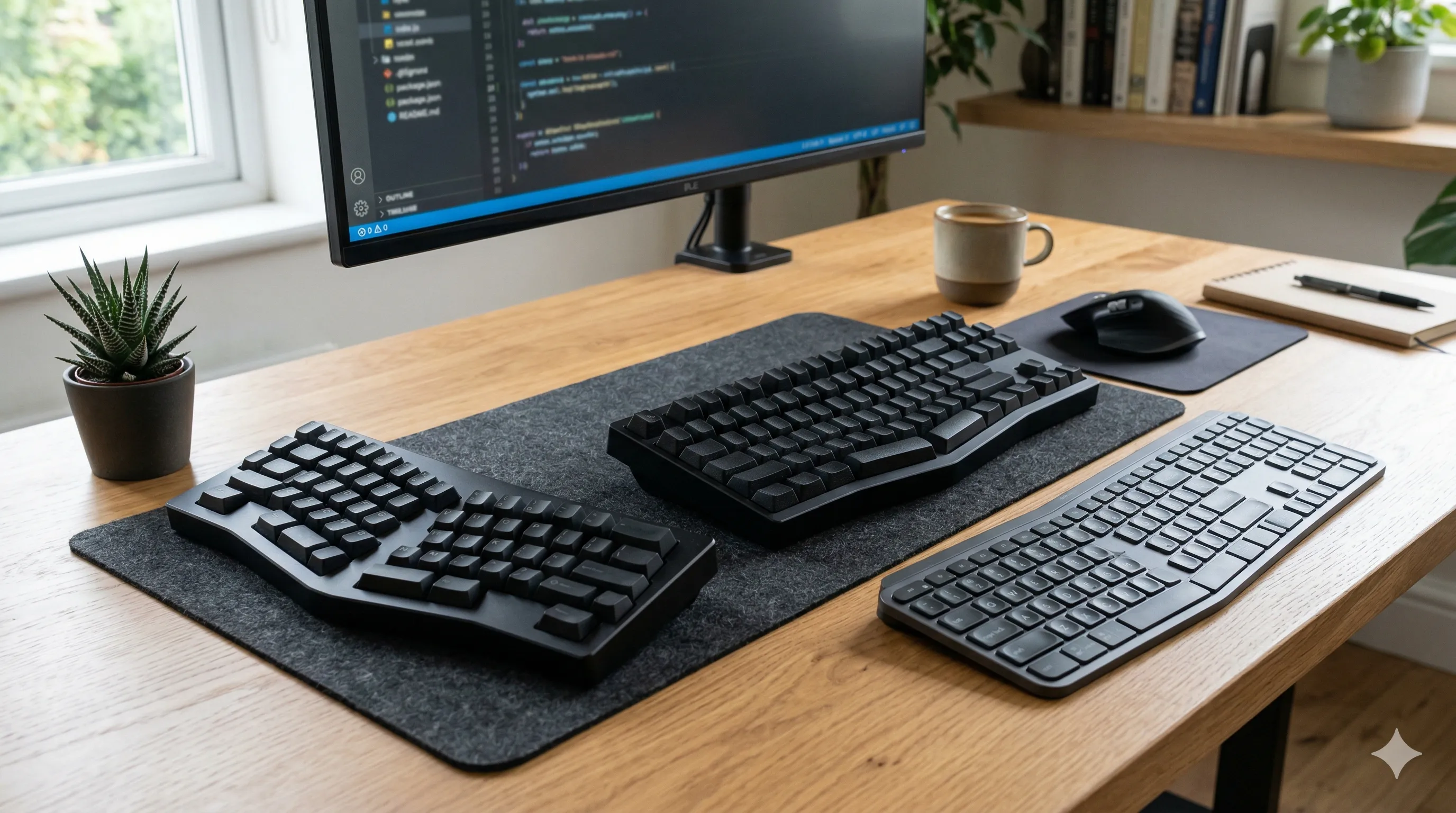
How to Choose an Ergonomic Keyboard
Compare split, compact, and low-profile ergonomic keyboards using practical body cues so you can reduce wrist, shoulder, and upper-body strain.
Practical steps
Read guide
Research-backed guides and practical tips for healthier workdays at home or in the office.
Quick wins
Small changes you can apply today.
Keep wrists straight; raise your chair or lower the keyboard if needed.
Top of the screen roughly at eye height; use a stand if needed.
Stand up or stretch for 30-60 seconds every 30-45 minutes.
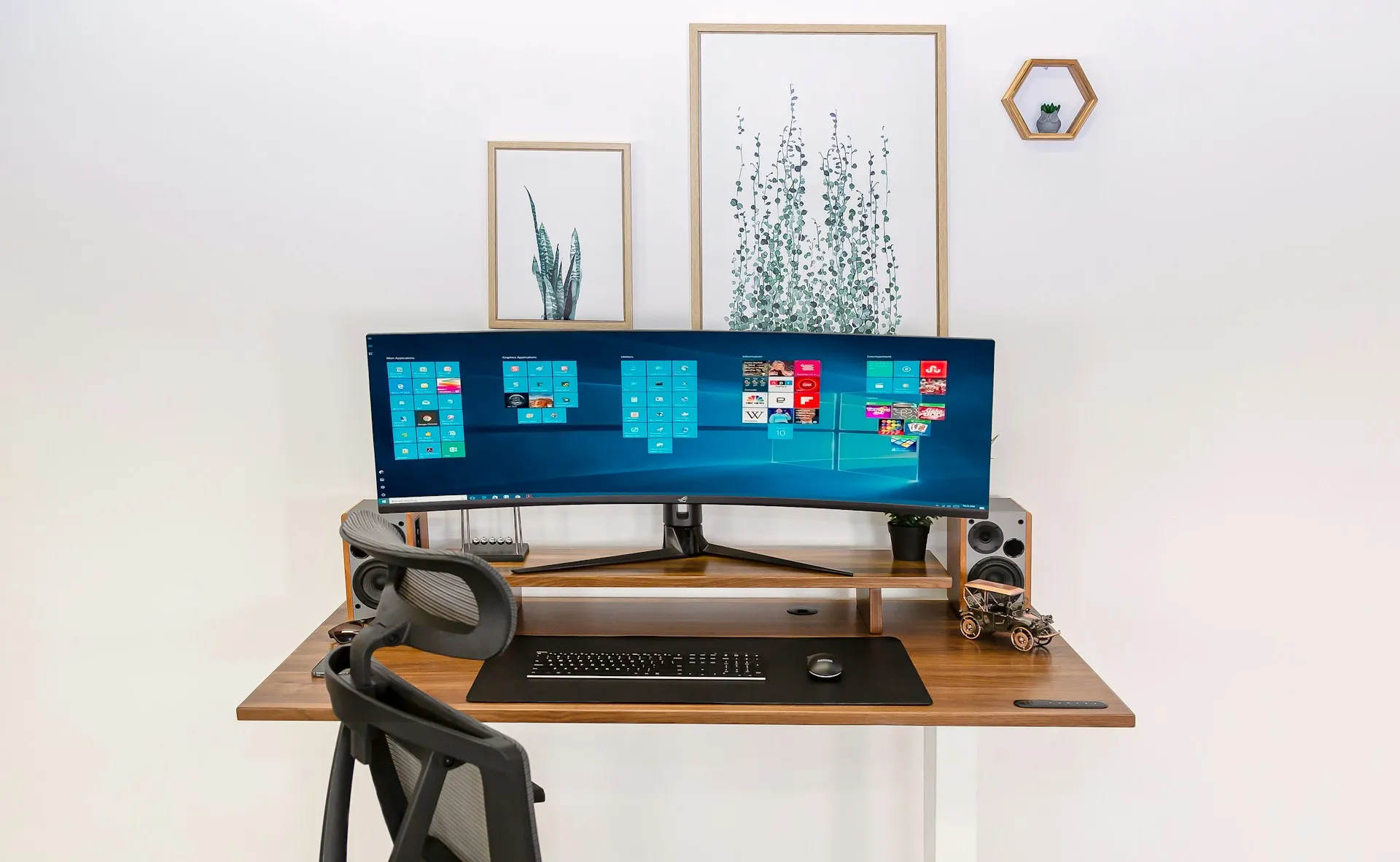
Clear, step-by-step guides that help you set up your desk, chair, and screens properly. Each guide focuses on practical adjustments you can make right away, whether you work from home or in an office.
Compare split, compact, and low-profile ergonomic keyboards using practical body cues so you can reduce wrist, shoulder, and upper-body strain.

Compare ergonomic mice and trackballs for wrist discomfort, including movement patterns, trade-offs, and setup factors that affect comfort.

Learn how to set standing desk height correctly using simple body cues so your shoulders stay relaxed and your wrists stay neutral.
Straightforward overviews that break down key differences, pros, and trade-offs. Designed to help you compare options quickly and decide what actually fits your workspace and needs.

How ergonomic office chair support, adjustability, and movement affect long-term sitting comfort.
Read overview
Why posture alone isn’t enough — and how movement, breaks, and position changes reduce fatigue and long-term discomfort while sitting.
Read overview
How hip height, leg support, knee angles, and foot placement influence sitting comfort, circulation, and long-term lower-body health.
Read overview
Understand how shoulder position, arm support, and wrist posture work together, and why upper-body discomfort often starts away from where pain is felt.
Read overview