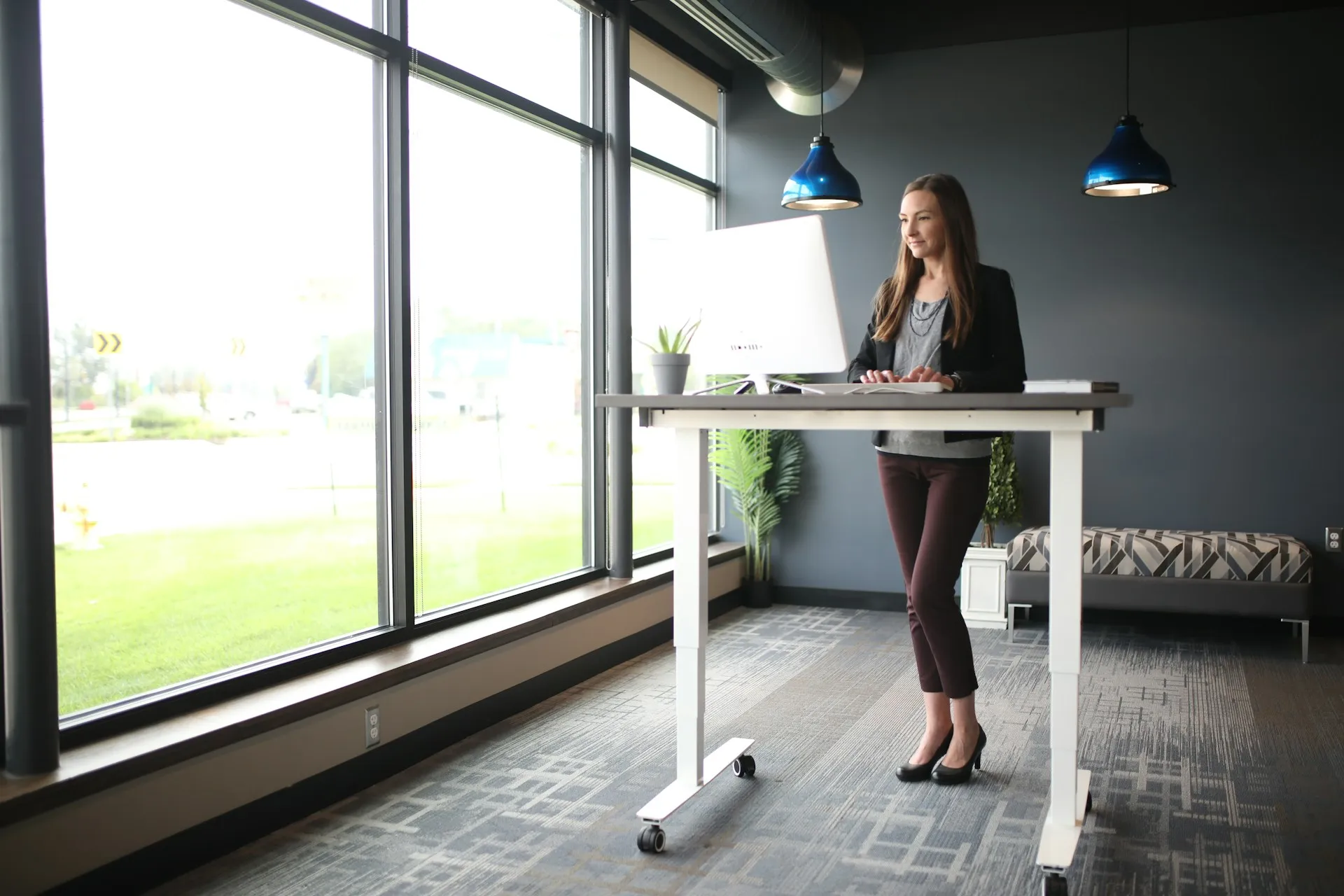
Standing desks have become a popular way to reduce prolonged sitting and improve comfort during long workdays. If you’re setting up a home office, you’ll quickly discover that there isn’t just one type of standing desk — there are two main approaches, each with its own strengths and limitations.
This guide walks through the most common standing desk options, explains how they differ ergonomically, and highlights several mid-range products to help you decide which setup makes the most sense for your space and budget.
Adjustable standing desks
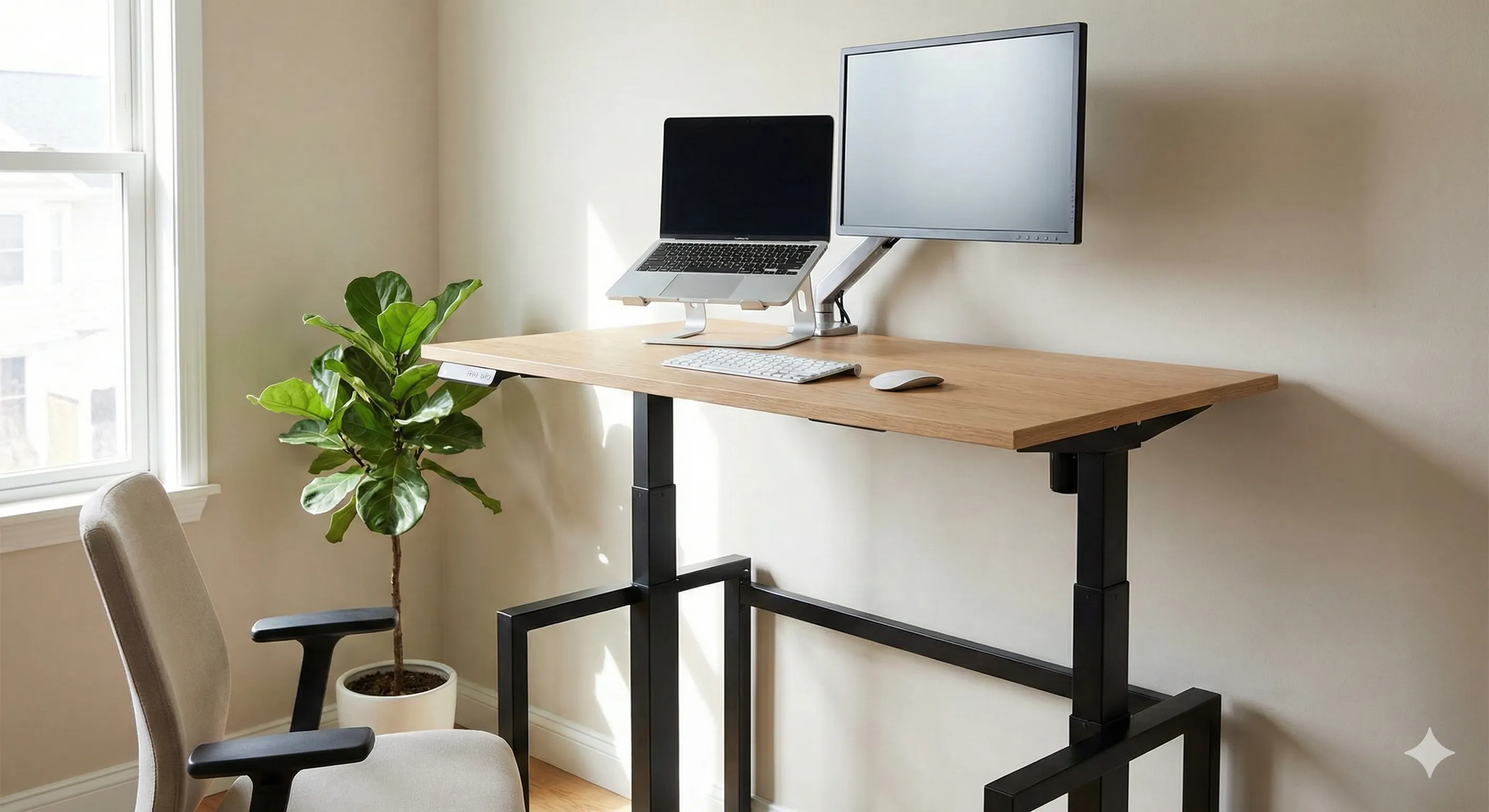
An adjustable standing desk (often called a sit-stand desk) replaces your existing desk entirely. The whole work surface moves up and down, allowing you to switch between sitting and standing throughout the day.
Why adjustable desks are popular
- The keyboard, mouse, and monitor all move together
- Height adjustments are usually smooth and precise
- Easier to achieve correct monitor and arm positioning
- Encourages frequent posture changes
Most modern adjustable desks use electric motors with memory presets, making it easy to switch between sitting and standing heights.
Mid-range adjustable desk examples
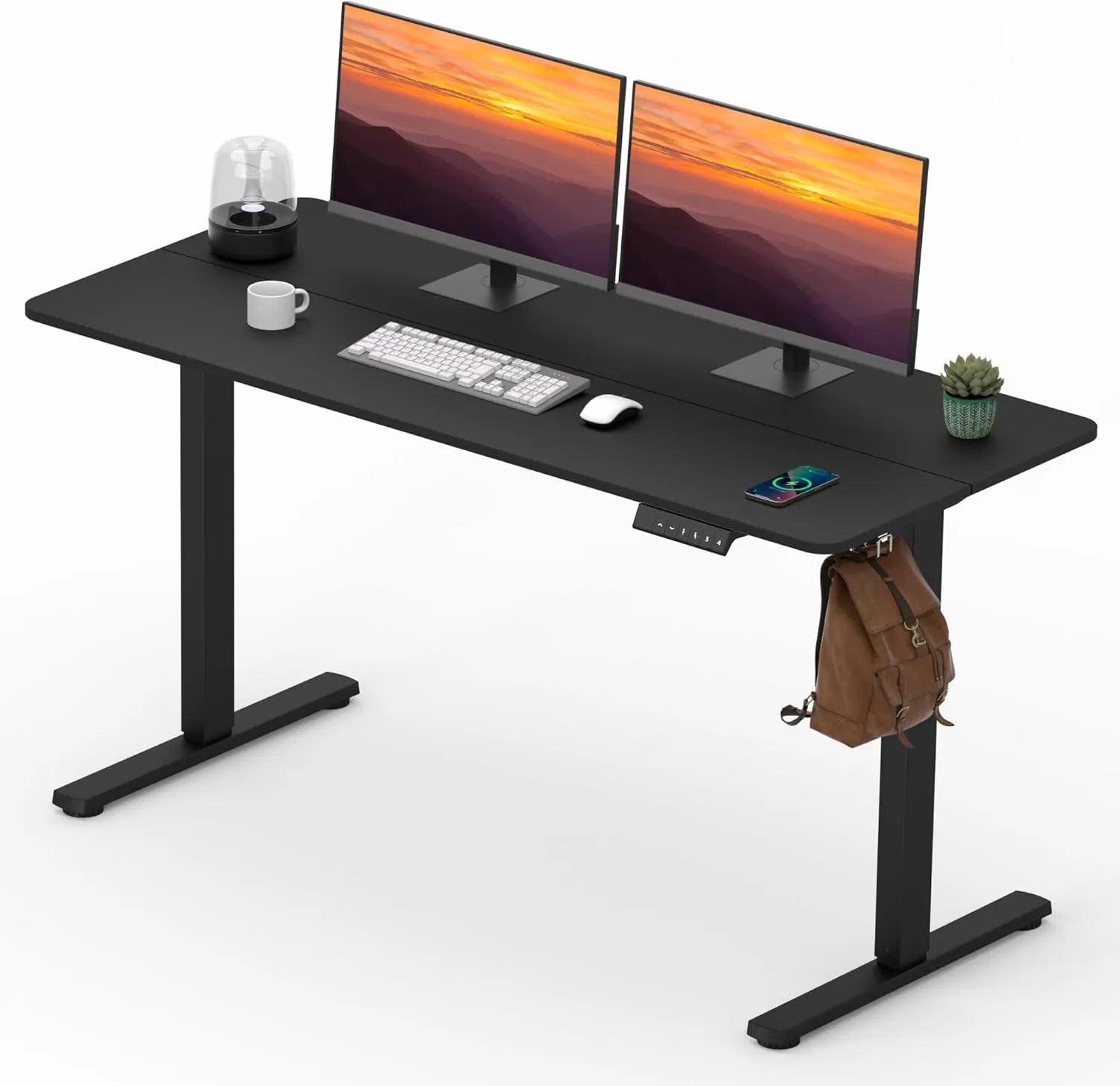
FitStand Adjustable Standing Desk (55" x 24")
A full-size electric desk with memory presets that suits dual-monitor or more permanent home-office setups.
 Available at Amazon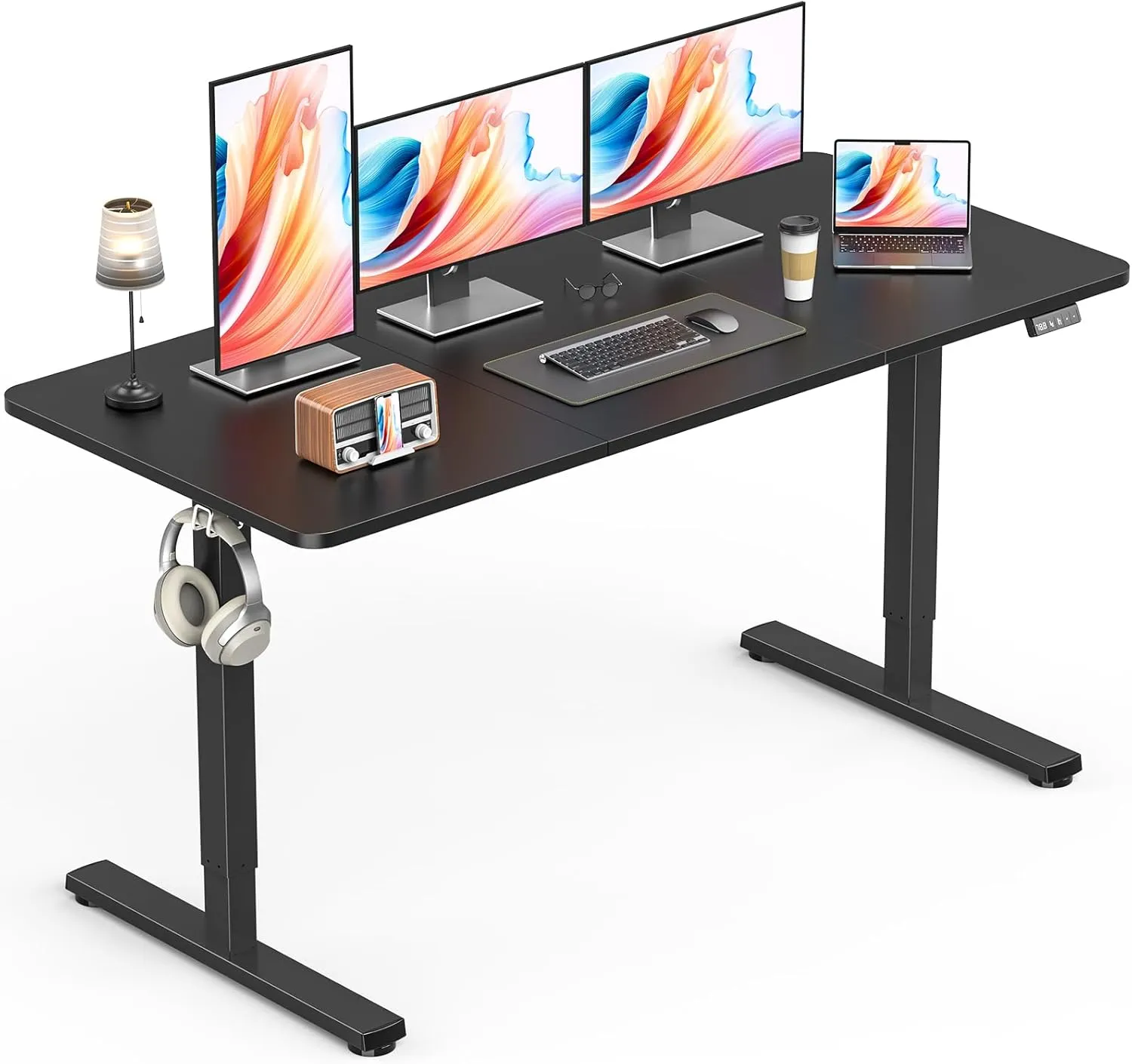
Zontera Height Adjustable Electric Desk (55" x 24")
A similarly sized electric desk with a simple, minimal look that fits many standard home-office layouts.
Available at Amazon 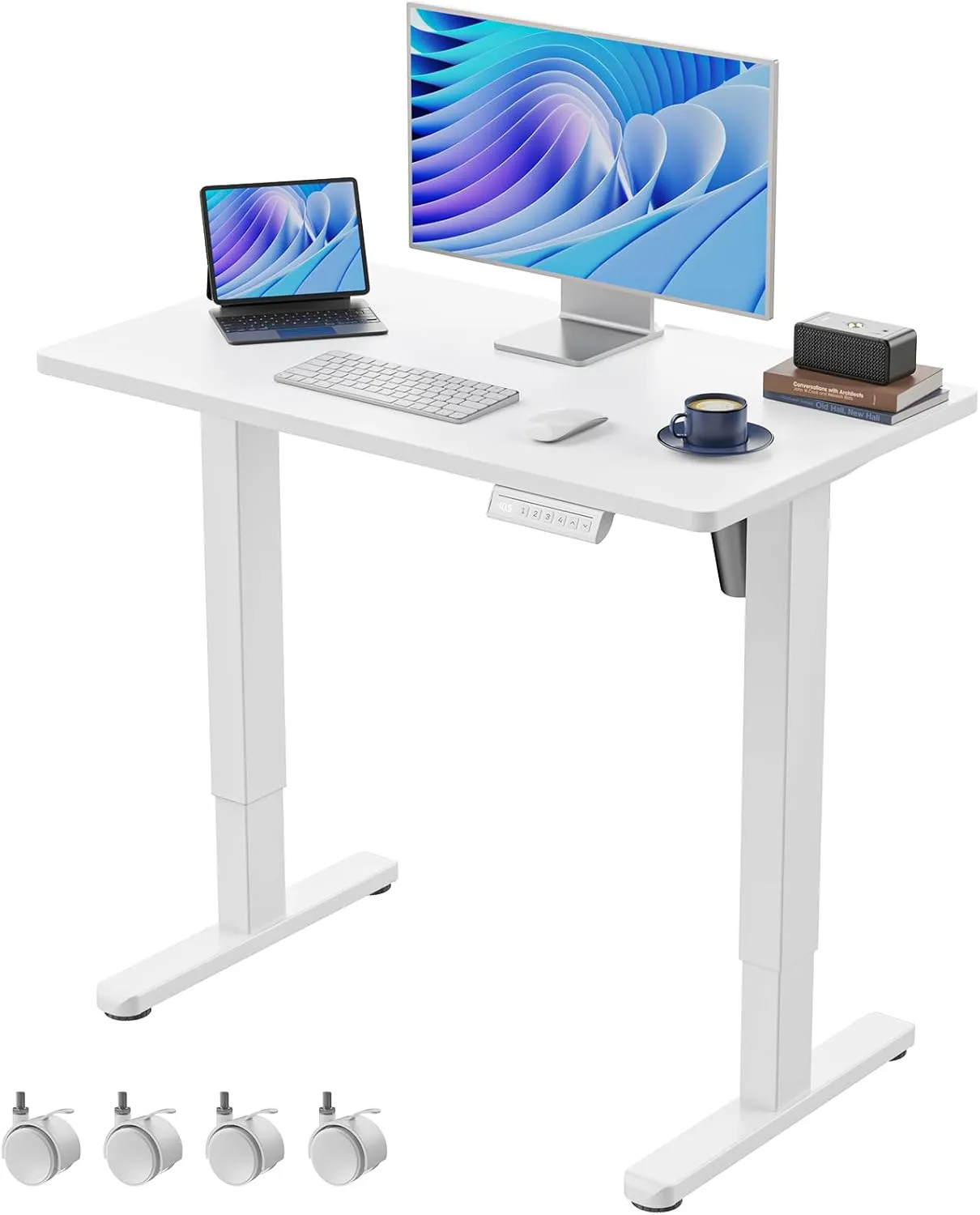
HUANUO Electric Small Standing Desk (35" x 20")
A compact standing desk that makes more sense when you need a smaller footprint for a laptop-focused setup.
Available at Amazon 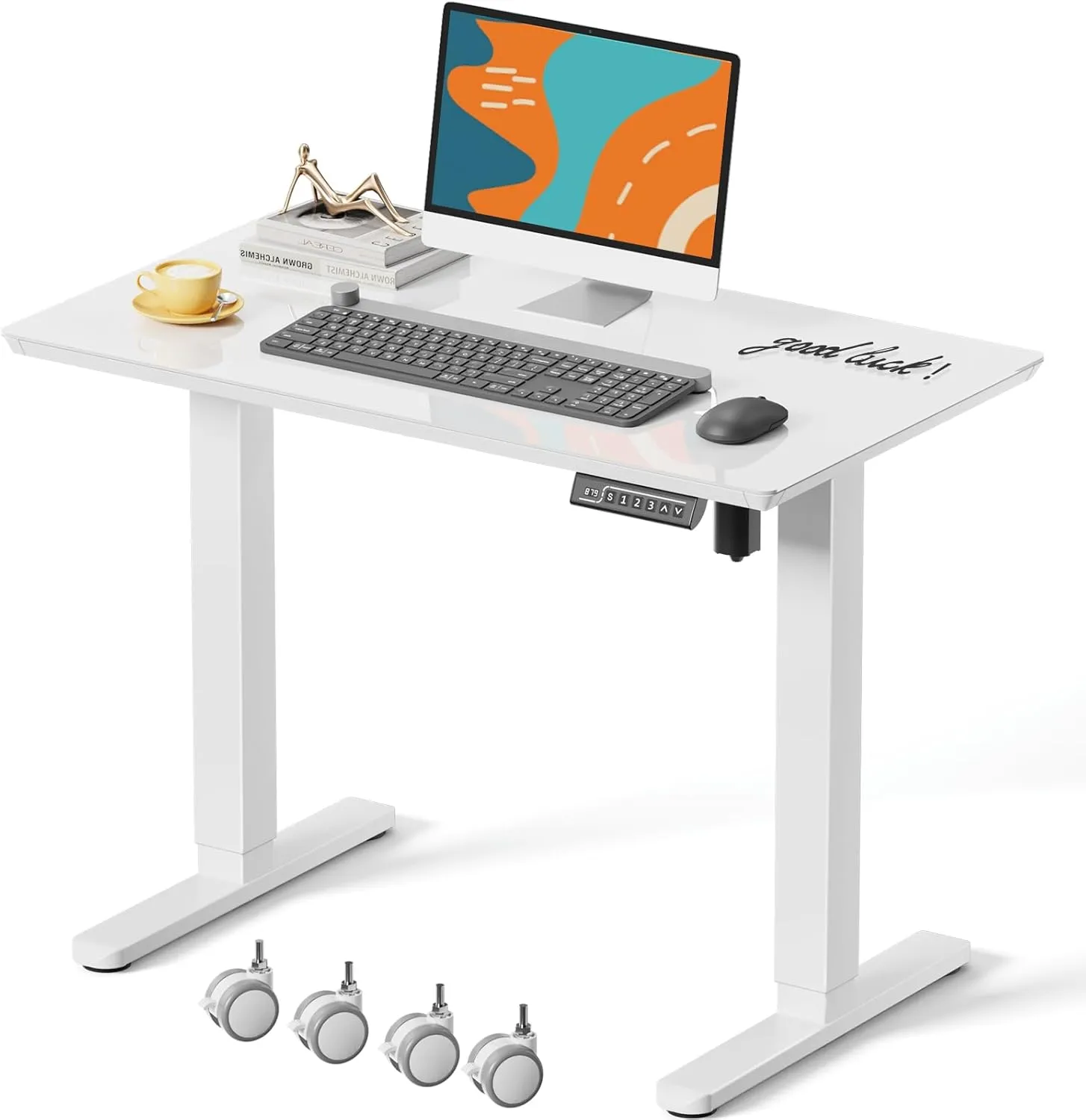
JOY worker Small Glass Standing Desk (35" x 20")
A smaller mobile desk with lockable casters and a glass top for tighter rooms or more flexible layouts.
Available at Amazon These desks generally fall into a mid-range price bracket and offer a good balance between stability, features, and cost.
Desk converters
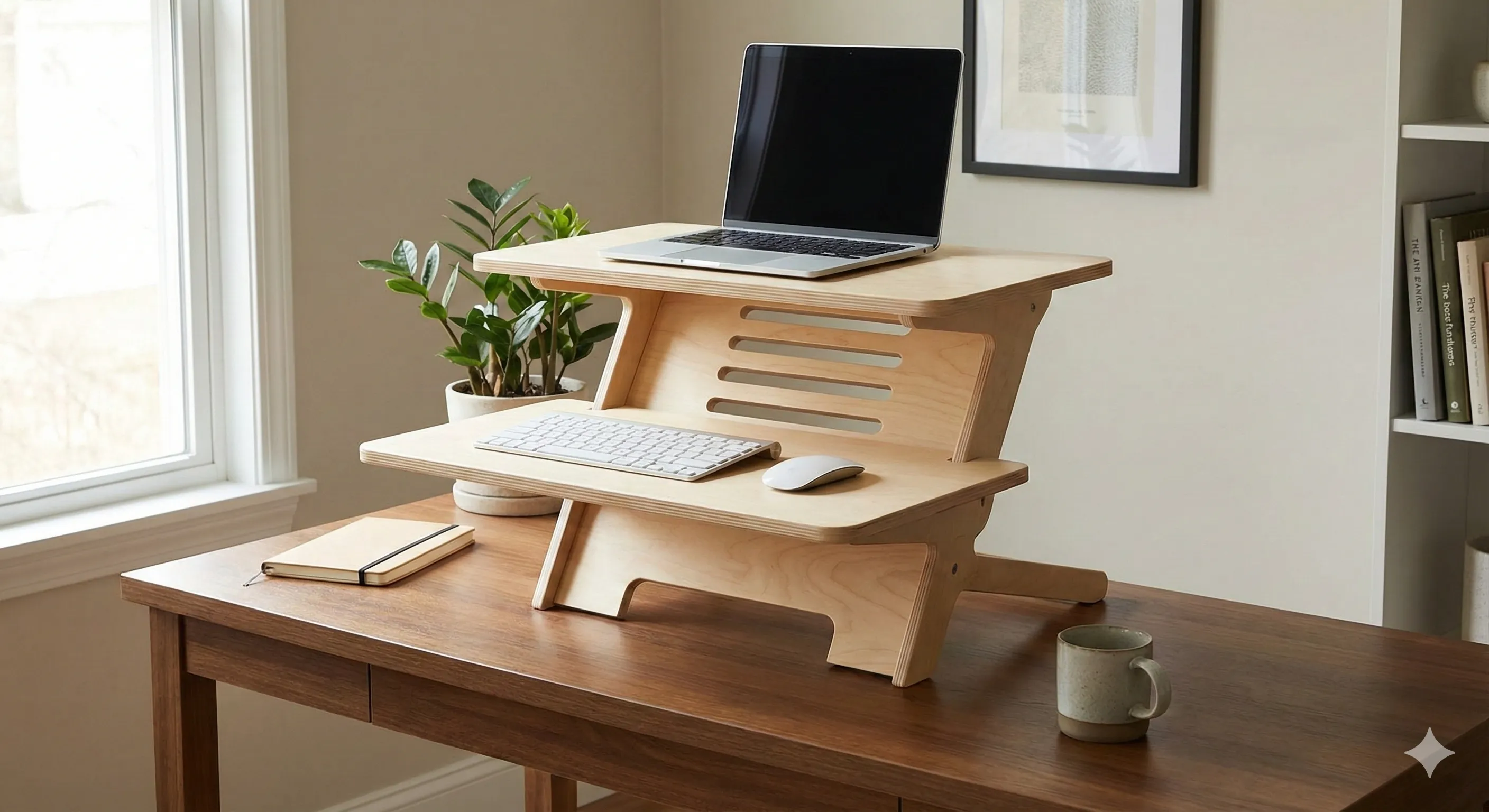
A desk converter sits on top of your existing desk and raises your work surface when you want to stand. Instead of replacing furniture, it transforms what you already have.
When desk converters make sense
- You have limited space
- You rent and don’t want to replace furniture
- You want a lower upfront cost
- You occasionally stand rather than standing most of the day
The trade-off is that converters add vertical stacking, which can limit keyboard depth and reduce leg clearance compared to full adjustable desks.
Mid-range desk converter examples
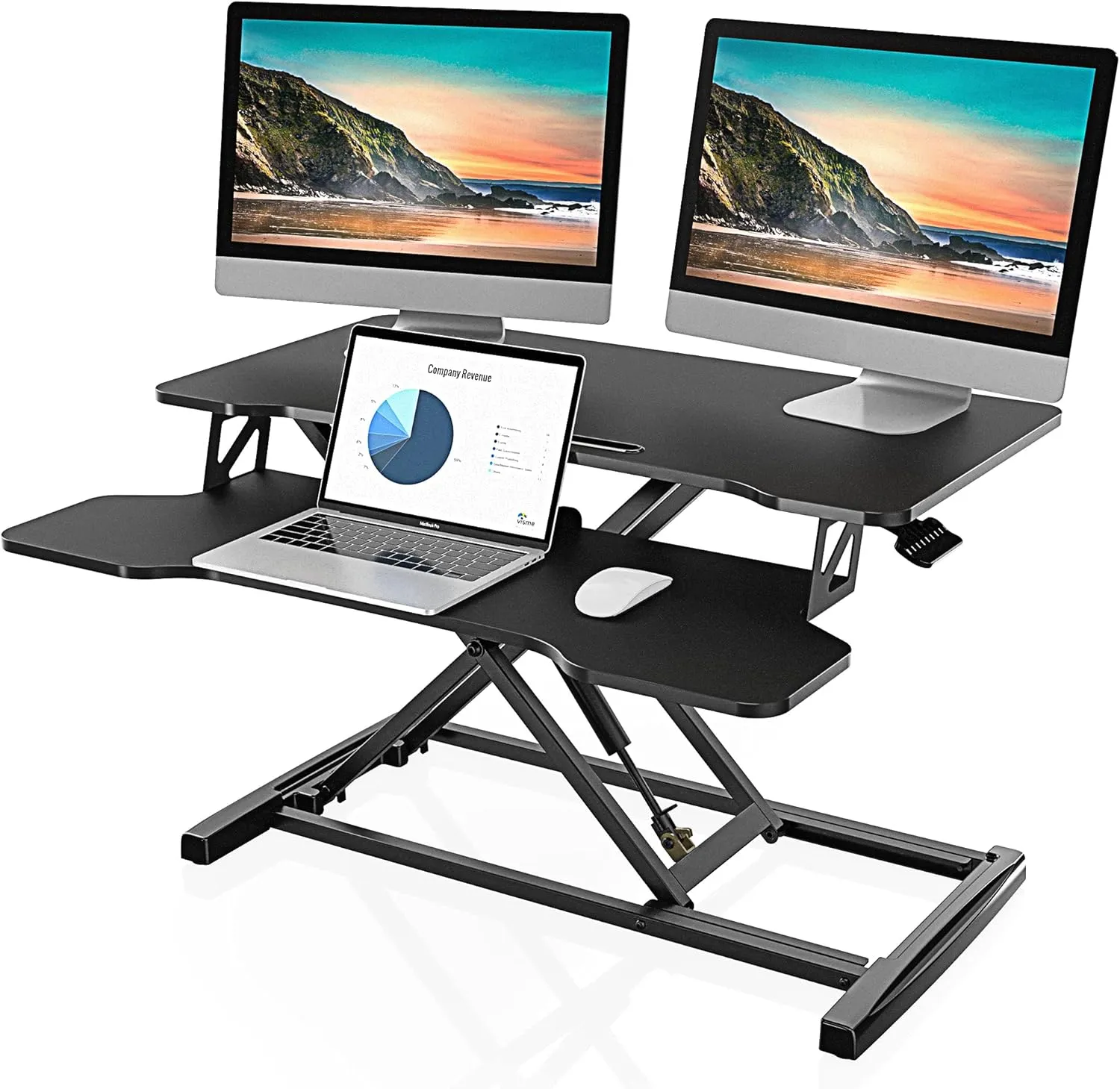
FITUEYES Height Adjustable Desk Converter (32")
A wider converter with enough upper-platform space for dual-monitor setups on an existing desk.
Available at Amazon 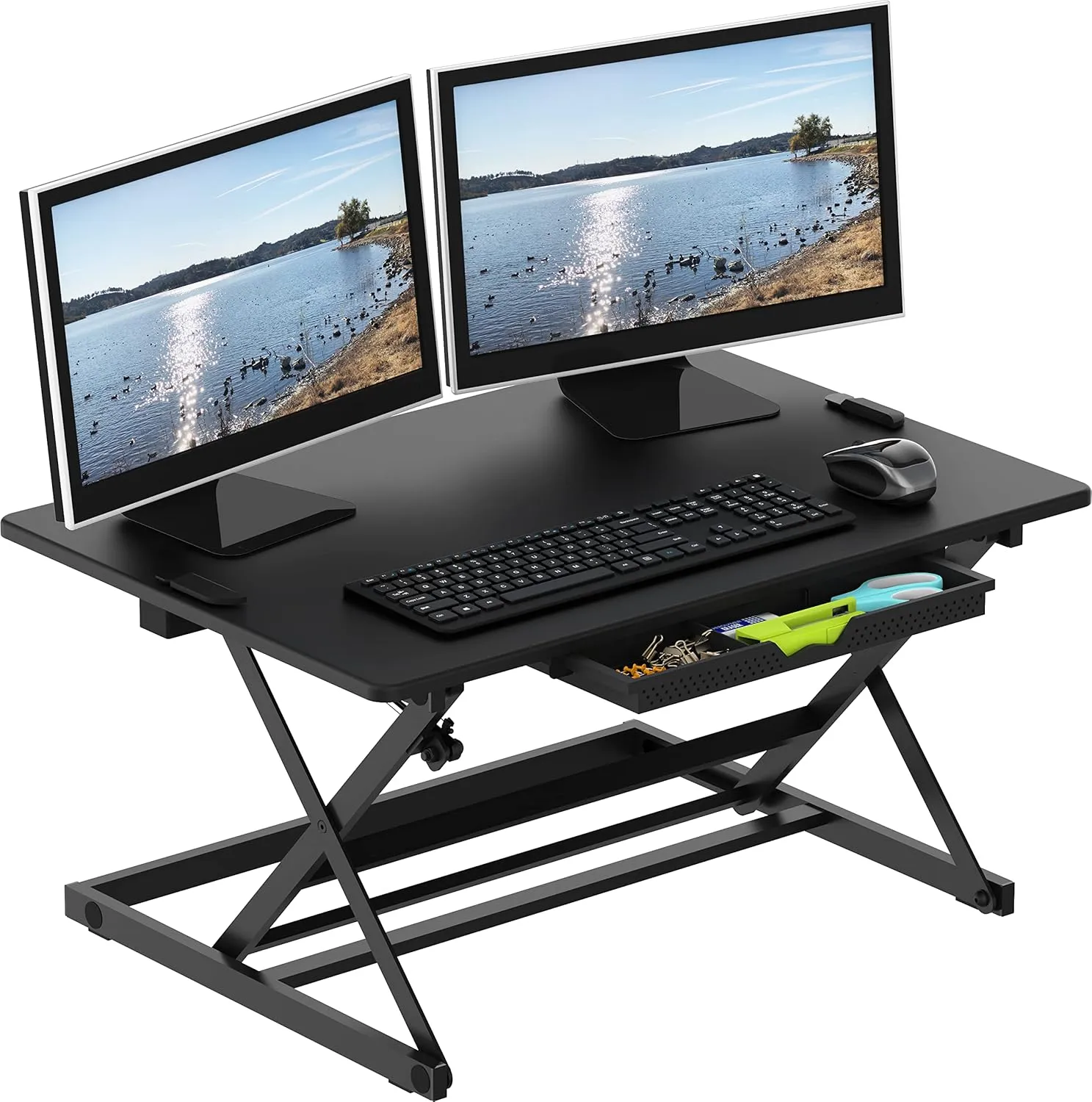
SHW 32-Inch Adjustable Desk Converter
A simpler desk converter that works well for lighter single-monitor or laptop-based standing setups.
Available at Amazon Adjustable standing desk vs desk converter: which is better?
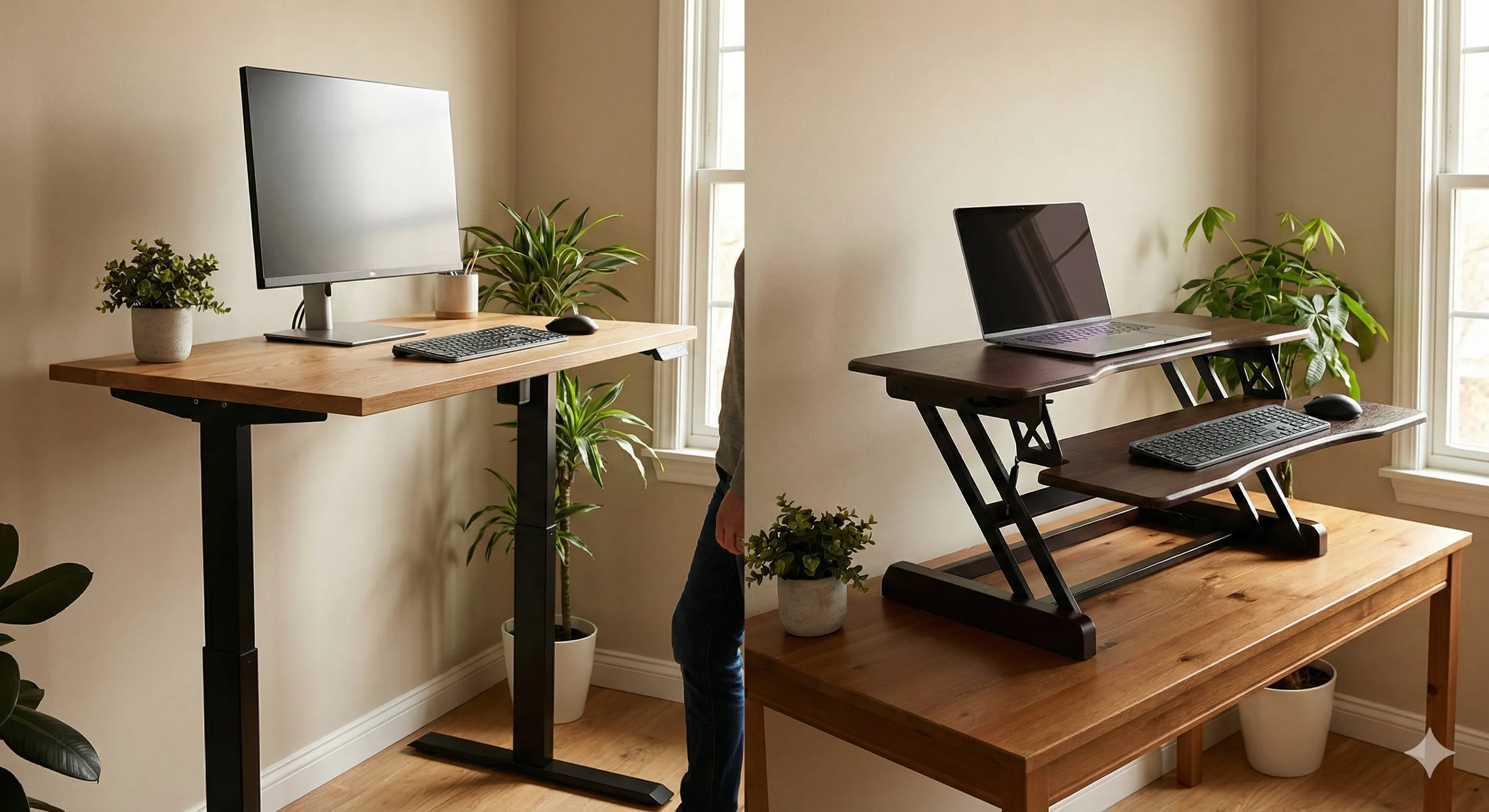
Both options allow you to work while standing, but they suit different situations.
An adjustable standing desk may be better if you:
- Work long hours at your desk
- Use multiple monitors
- Want the most flexibility for posture and ergonomics
- Are setting up a dedicated home office
A desk converter may be better if you:
- Have limited room or a small desk area
- Want to try standing work without replacing furniture
- Prefer a lower-cost, portable solution
From an ergonomic perspective, adjustable desks generally offer better long-term flexibility, but desk converters can still be a practical improvement over sitting all day.
Final thoughts
There’s no single “best” standing desk — the right option depends on how much space you have, how often you plan to stand, and how permanent your setup needs to be.
If standing work becomes a regular part of your day, a full adjustable desk is usually the more adaptable choice. If you’re experimenting or working within tighter constraints, a desk converter can still provide meaningful benefits.